E-8
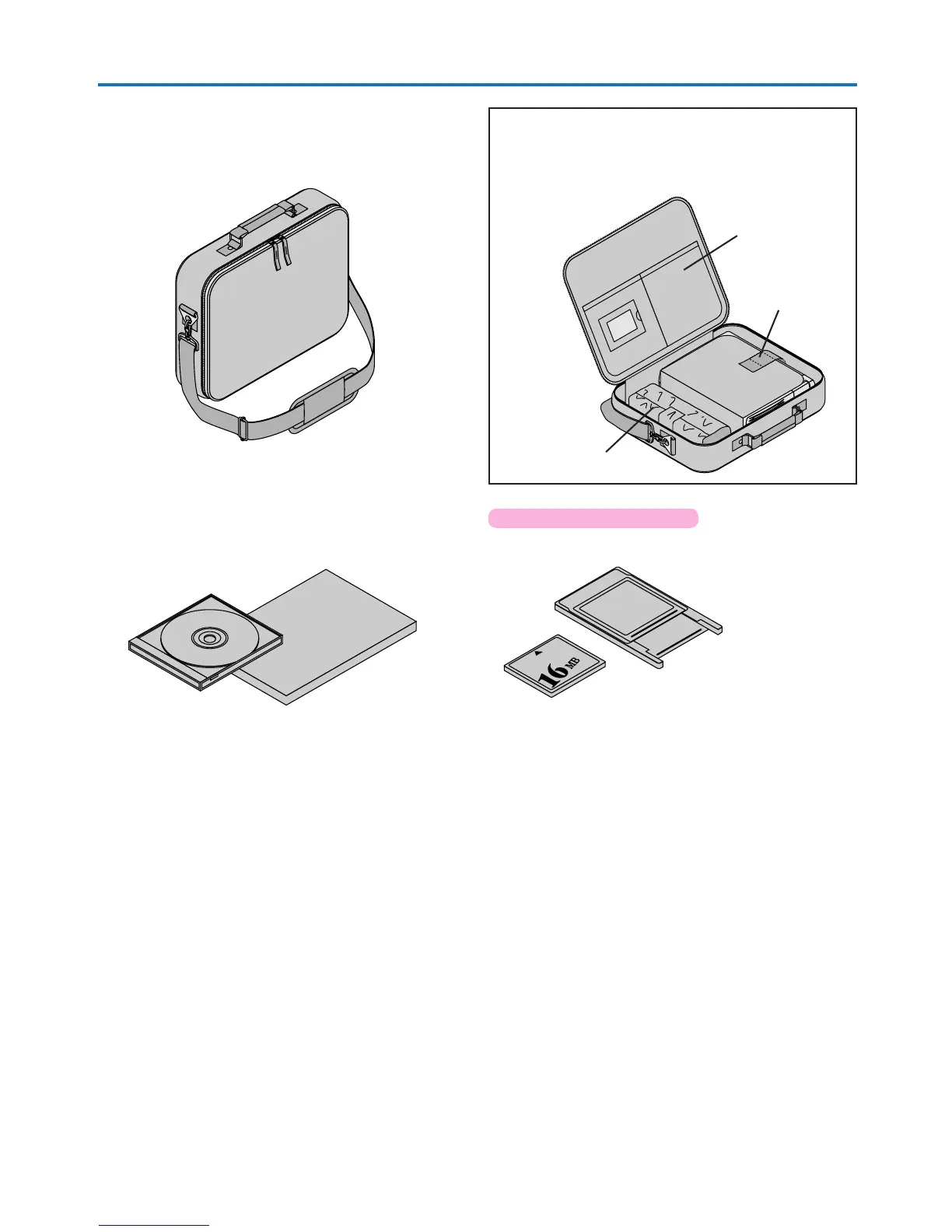
Carrying case (for projector and accessories) [1]
This is a case designed for storing the projector and its
accessories.
Use this carrying case when storing or moving the pro-
jector.
User’s Manual (CD-ROM edition) [1]
User’s Manual (Simplified Edition) [1]
HOW TO PUT THE PROJECTOR INTO THE CARRYING CASE
Close the lens shutter or lens cap before putting the pro-
jector in its case, then fasten the projector in place with the
Velcro belt. Place the accessories in the storage pocket.
Pocket
Velcro strap
Checking the Supplied Accessories
Cable storage pouch [1]
PC Card
Adapter
Applicable Projector: U4-136
PC Card Adapter [1]
CompactFlash Card [1]


 To Next Page