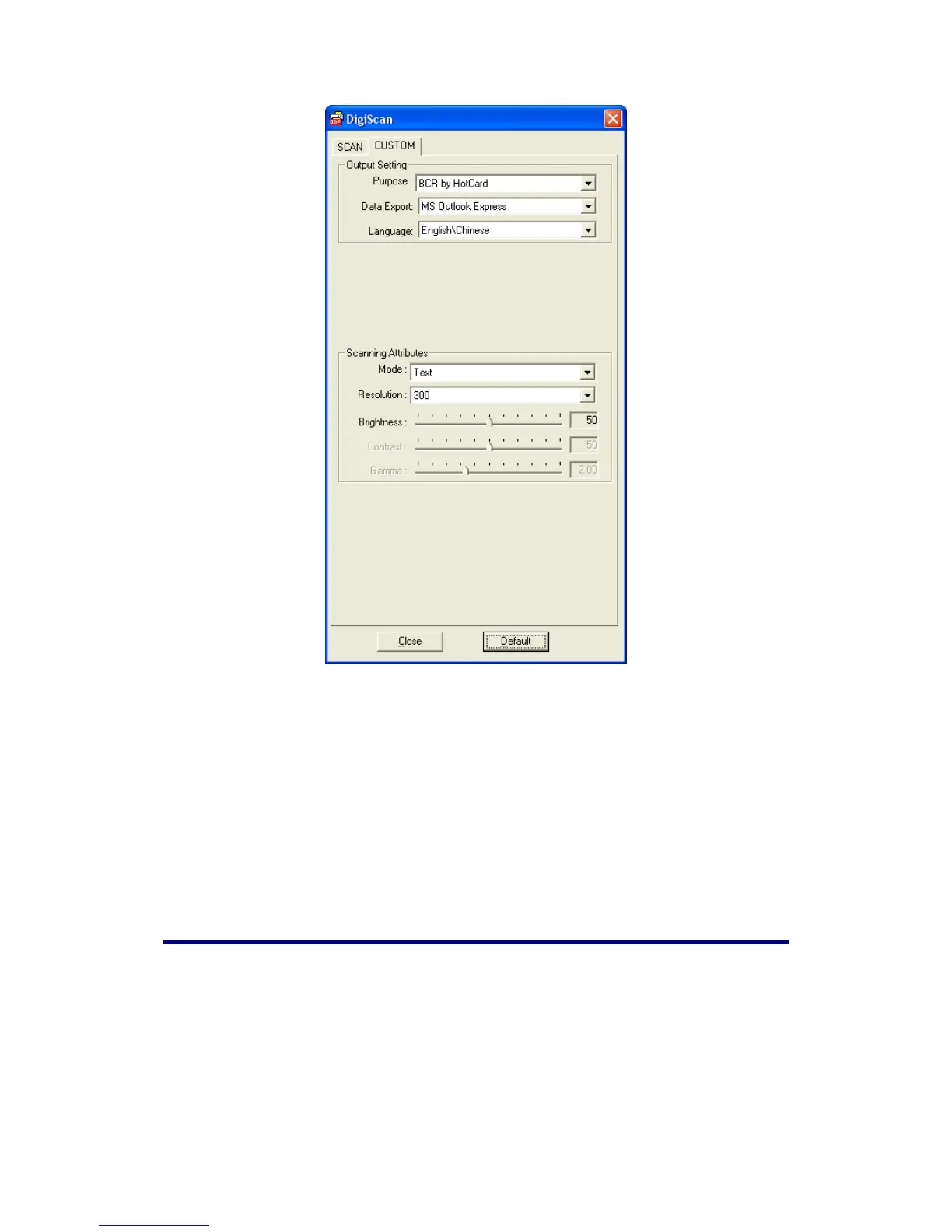
1. Select MS Outlook Express, MS Outlook, HotCard BizCard Finder or As a
csv file from the Data Export drop-down menu.
2. Select the needed language in Language.
3. Adjust the Scanning Attributes (Mode, Resolution, Brightness, Contrast and
Gamma).
4. Click the Default button if you desire to return to the default settings.
5. Click the Close button to save the final settings and exit the DigiScan window.
Using the Scanner Buttons
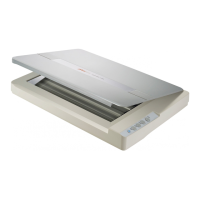
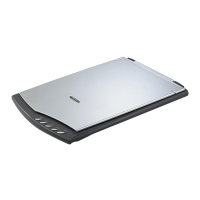
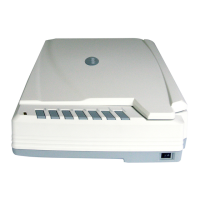
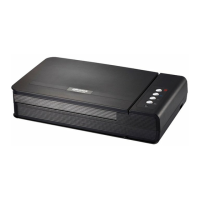
Your scanner is equipped with two function buttons designed to make your
scanning experience more convenient and efficient. With simply one touch of the
button, you can scan to file, copy, OCR or e-mail.
18










 To Next Page