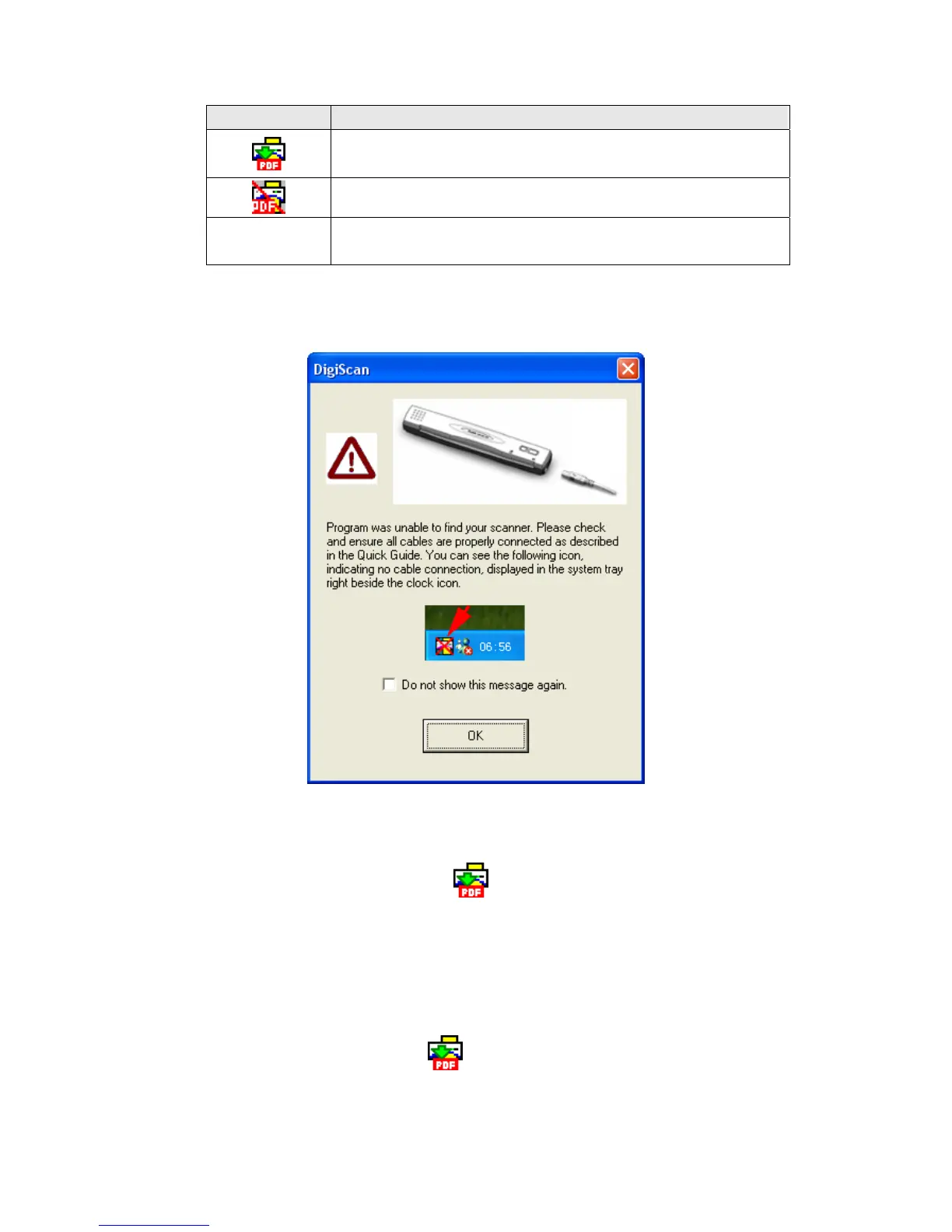
Appearance Status
The DigiScan program has been successfully launched and the
scanner is connected with the computer, ready to scan mages.
The scanner is not connected with the computer.
No Display
You have chosen to terminate the DigiScan program, no matter
the scanner is connected or disconnected with the computer.
If the Windows system starts and detects the scanner unconnected, the following
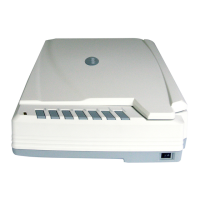
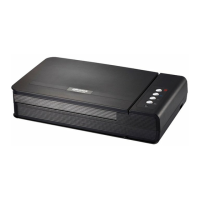
message will appear to remind you (The scanner illustration(s) may appear different
than from the actual scanner itself.):
If you prefer not to see this reminder message again, you may:
Check the box of “Do not show this message again” within this message
window, and then click “OK” button.
Click on the DigiScan icon
located on the Windows system tray.
Uncheck “Enable Warning” from the menu that pops up. Click the “No” button
in the message box that appears.
If you prefer to see this reminder message again, you may:
Uncheck the box of “Do not show this message again ” within this message
window, and then click “OK” button.
Click on the DigiScan icon
located on the Windows system tray. Check
“Enable Warning” from the menu that pops up. Click the “Yes” button in the
message box that appears.
28










 To Next Page