ADVANCED MENU
23
Auto - Off / Power - Off Timer
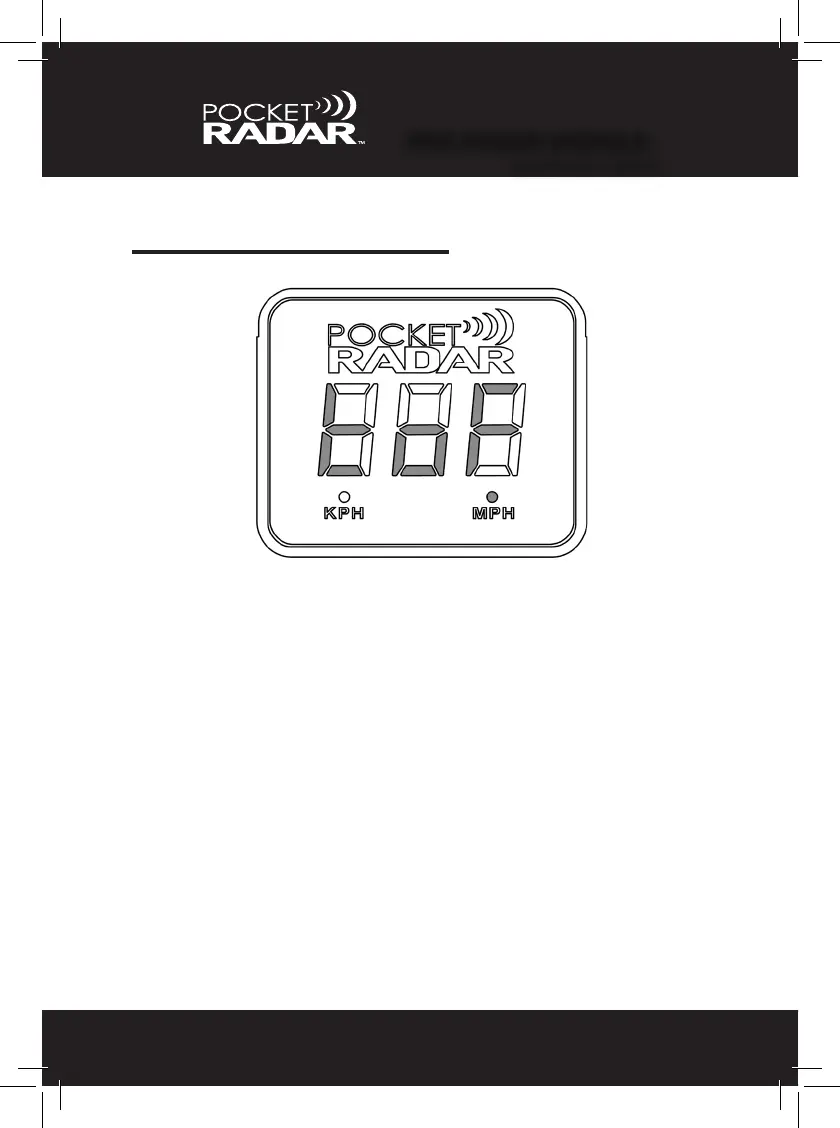
The third menu feature is the option to specify how long the Display
should remain on before it automatically turns off after no readings. Hold
down the Power (red) and Mode (black) buttons for 5 seconds and "tof”
will appear.
• Releasing the Power (red) and Mode (black) buttons while “tof” is
displayed will bring the user into the selection menu.
- “tof” and the selected time will alternate every 1 second.
- Pressing the Power (red) button will cycle the user through
the different timer options (no, 5, 15, 30, 60). “No” means
indenitely, while 5 - 60 are in minutes.
- Pressing the Mode (black) button locks in your choice and
resumes normal operation; Current selection on the display is
saved as the new timer value.
- Not cycling for 45 seconds will not update the current value,
and automatically exits the menu.
•Thefactorydefaultsettingis15 minutes (See page 28 to Learn More)
PRO RADAR MODULE
™
ADVANCED MENU


 To Next Page