Reading Books 42
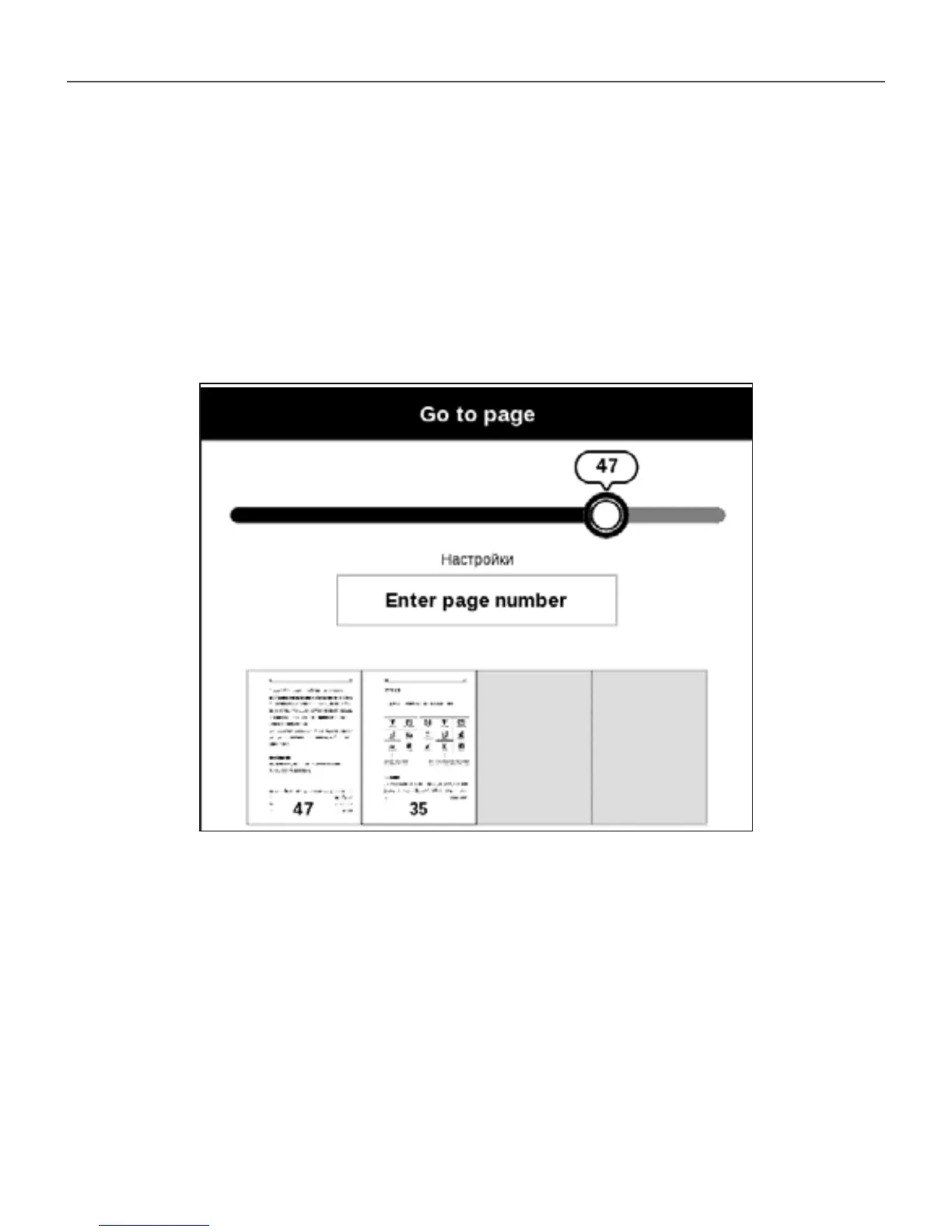
a page number exactly from on-screen keyboard press OK.
As you set a slider or enter a page number, a page preview
will be opened on a background. If you will exit the menu
by pressing Backward, you will stay on a page you was
before.
Chapter name is displayed under the scroll bar.
NOTE Only the highest level chapters are marked on a scroll bar
In Last Opened sections thumbnails of last four opened
pages are displayed.















 To Next Page