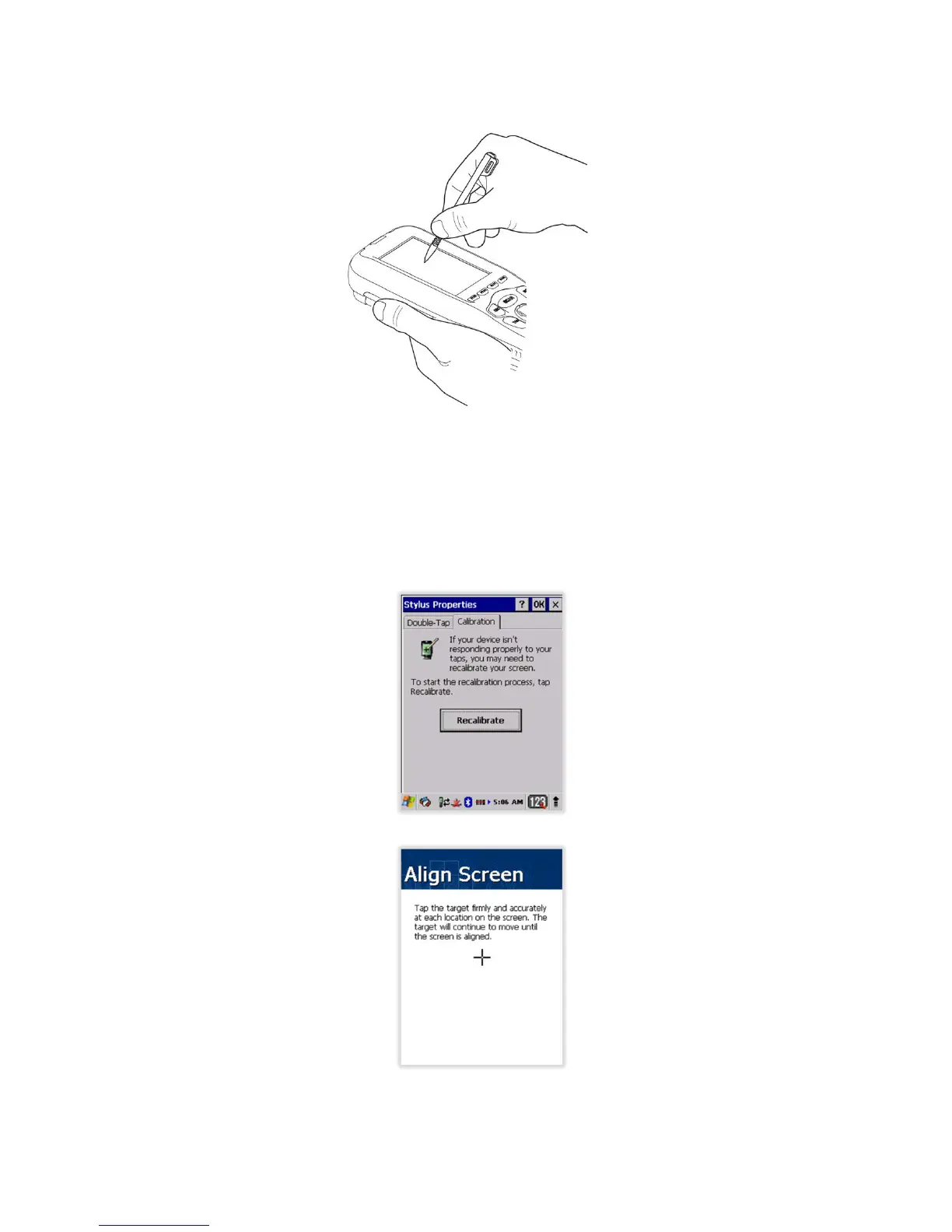
7. Press the Power key to weak the terminal and check the touch panel with the stylus.
8. Verify that the screen accepts input from the stylus as usual. If not, re-apply the screen
protector.
9. Press the Power key to put the terminal back in suspend mode.
10. Clean the surface of the screen protector with a clean, non-abrasive, lint-free cloth.
11. Press the Power key to wake the terminal again.
12. For maximum performance, recalibrate the screen. Tap Start > Settings > Control Panel >
Double Tap Stylus > Calibrate tap.
13. Tap Recalibrate the follow the instructions on the screen.
4.8. Back Panel Layout
22



 To Next Page