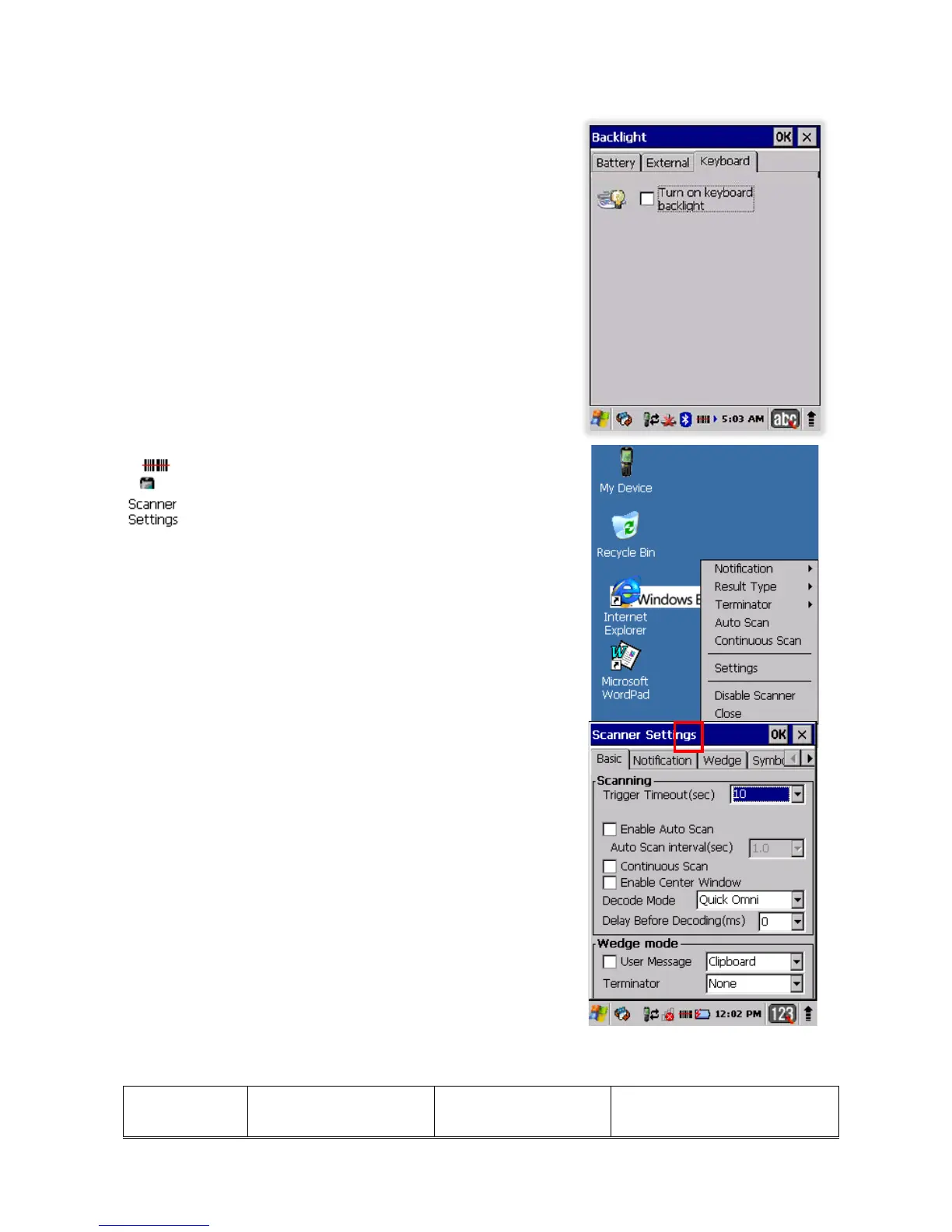
9.18. Keyboard backlight Tab
Enable Keyboard backlight when button is pressed
By default this is turned off.
9.19. Scanner Settings
To change the Scanner configuration parameter as follows:
Tap the Scanwedge icon in the System Tray to open the menu
shown in image on the right and select Settings to open the
Scanner Settings applet or Start > Settings > Control Panel >
Scanner Settings
9.20.
Scanner Settings Applet
Tab Section Option Description
49



 To Next Page