GB
13
GB
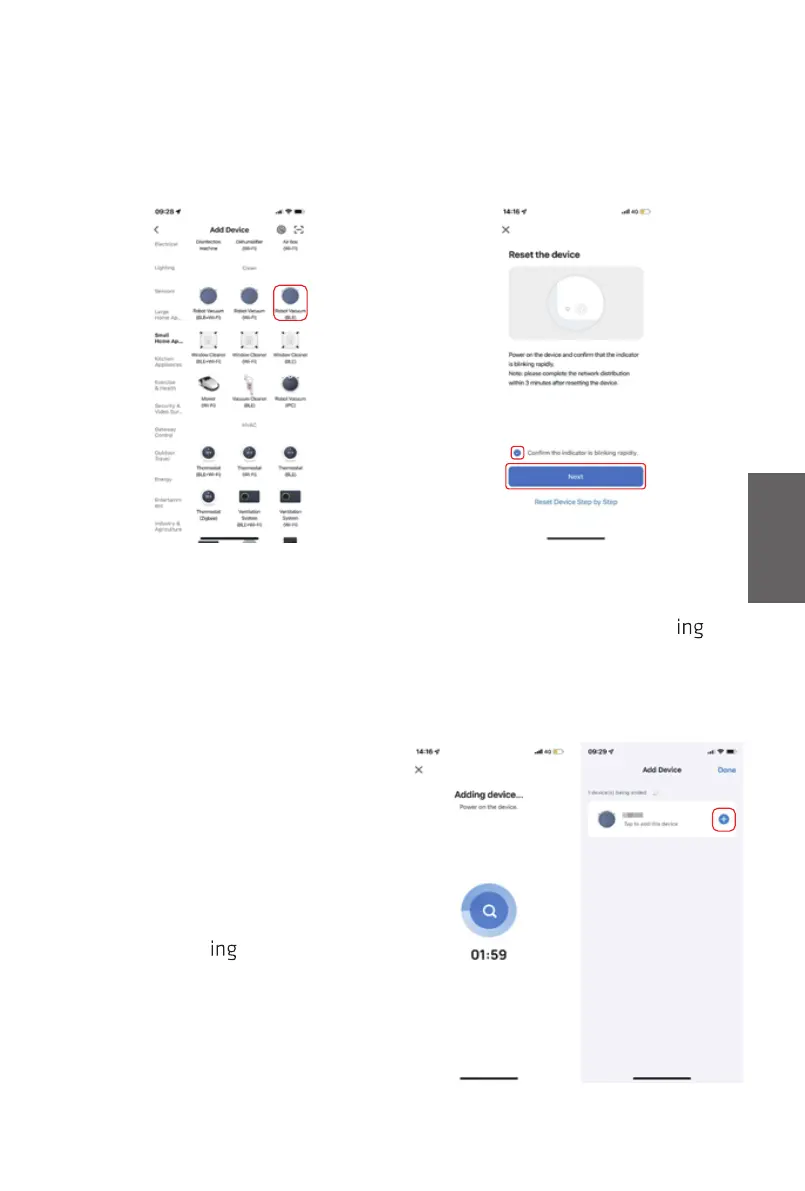
3. Support two network connection methods.
Method 1(BT mode, recommend):
1). Choose “Robot Vacuum (BLE)”
in Small Home Appliance column
2). Long press Wi-Fi button on
robot for 3s’, make sure that
Wi-Fi indicator light is blink
.
Tick “Confirm the indicator is
blinking rapidly” in APP
interface and then click “Next”.
INSTRUCTIONS
3). Ensure your mobile bluetooth
is ON, the APP will automatically
search the robot nearby, click
“Add” after find
it.



 To Next Page