14
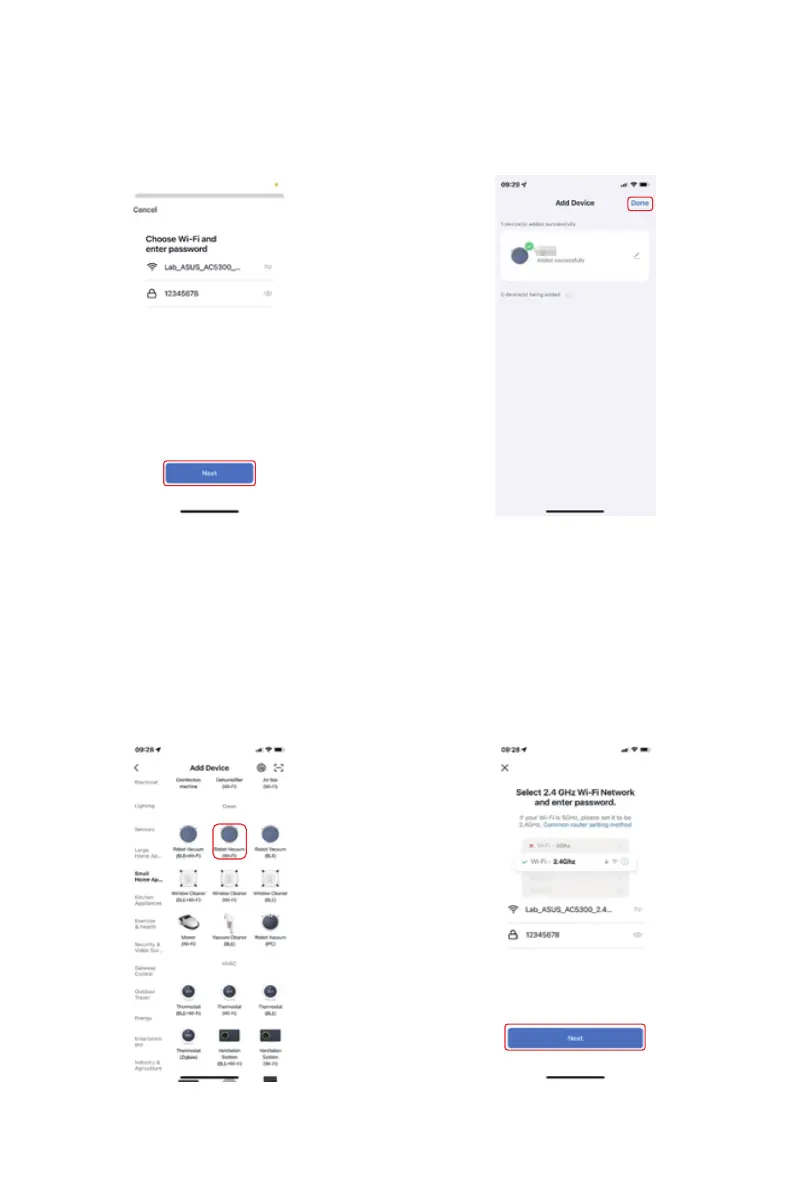
5). Wait the connection and select
done.
Method 2(AP mode):
1.Choose “Robot Vacuum Clean-
er(Wi-Fi)” in Small Home Appli-
ance column.
2). Make sure that Wi-Fi is 2.4GHz
and input correct Wi-Fi password.
4). Input correct Wi-Fi name and
password and then “Next”.



 To Next Page