23
ENGLISH
1.2 WRIST UNIT SIDE BUTTON AND
DISPLAY SYMBOLS
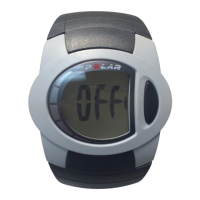
This section contains information on how to operate the wrist
unit and a symbols guide for reading the data on the display.
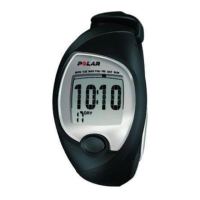
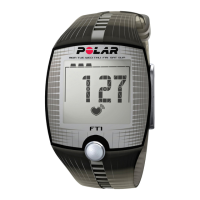
Polar F1 and F2 heart rate monitors have one operating
side button.
Display symbols
Side button functions:
• Start heart rate measurement.
• Start and stop the stopwatch.
• Activate the functions shown
on the display.
• Check your previous exercise file.
• Set the target heart rate limits.
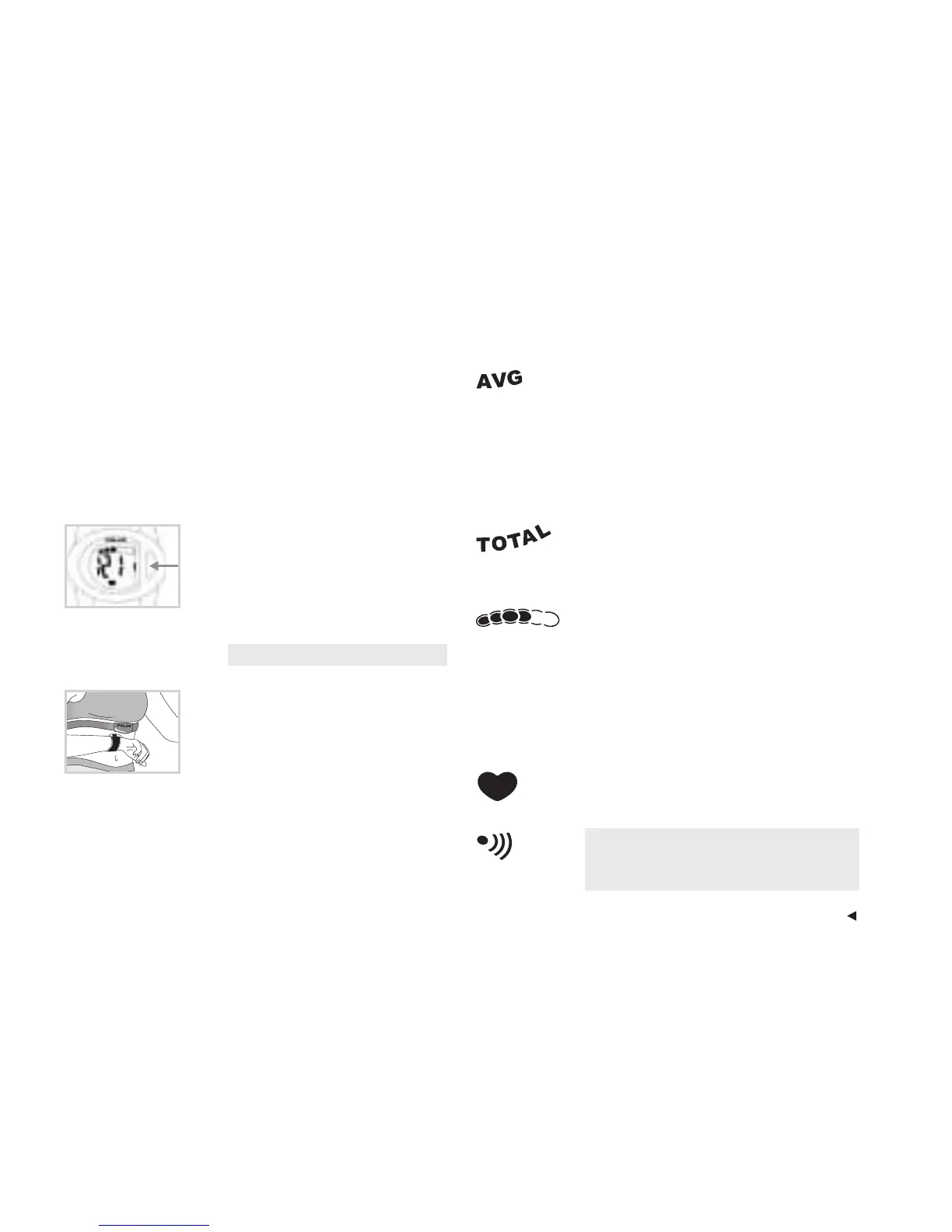
Heart Touch
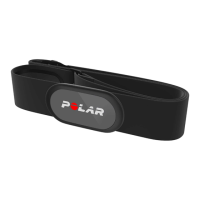
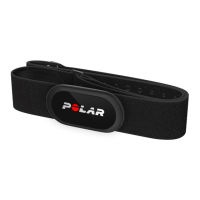
Bring the wrist unit near the Polar
logo on the transmitter and your
elapsed exercise time will appear
for six seconds.
Avg
Indicates that the average heart rate
value is on the display. This figure,
expressed in beats per minute (bpm),
represents the average heart rate
measured over a specific period of time
(for instance, during an exercise session).
Total
Indicates that the total exercise time is
on the display.
Exercise Time Indicator
The indicator has six different bullets;
each represents 10 minutes. One cycle of
bullets takes 60 minutes. When all the
bullets are filled in, the cycle starts
again. Fill in just three bullets a day, and
you will see some health benefits.
Heart Symbol
Indicates your heart rate is being measured.
Target Heart Rate Alarm
Indicates when the target heart rate alarm
is on in the SET and EXERCISE modes.





 To Next Page