26 ENGLISH
2.3 HOW TO REVIEW YOUR PREVIOUS EXERCISE FILE
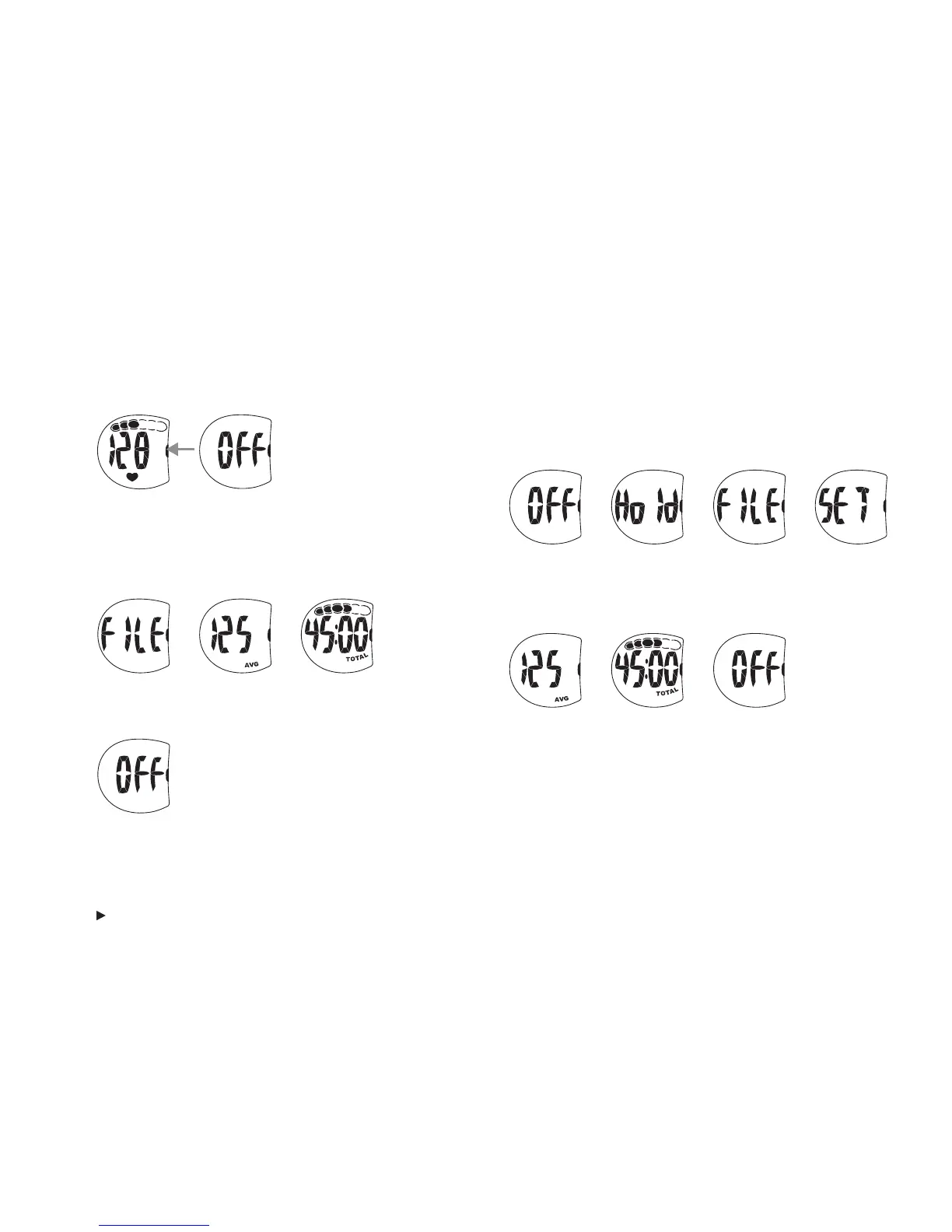
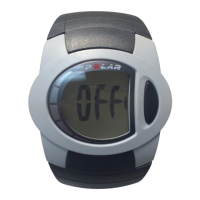
1. In the OFF mode, press and hold the side button until FILE
appears on the display. Release the side button. FILE and
SET flash alternatively. When FILE is on the display, press
the side button to enter the FILE mode.
2.2 HOW TO STOP AND REVIEW A FILE
1. Press the side button to stop recording the exercise.
2. The file review starts and the average heart rate (AVG)
and total exercise time (TOTAL) flash alternatively three
times for 3 seconds each.
3. The wrist unit returns automatically to the OFF mode.
2. The file shows your previous average heart rate and total
exercise time. They flash alternatively three times and
then the wrist unit returns to the OFF mode.
To stop reviewing the file at any time, press the side button.
Note: Information on your previous exercise file is saved until you start
recording a new exercise session. At this point, the new information
replaces the old.
Note: If you accidentally press the side button and the stopwatch starts
running, you have one minute to stop it and save your previous exercise
file.








 To Next Page