2. GET STARTED
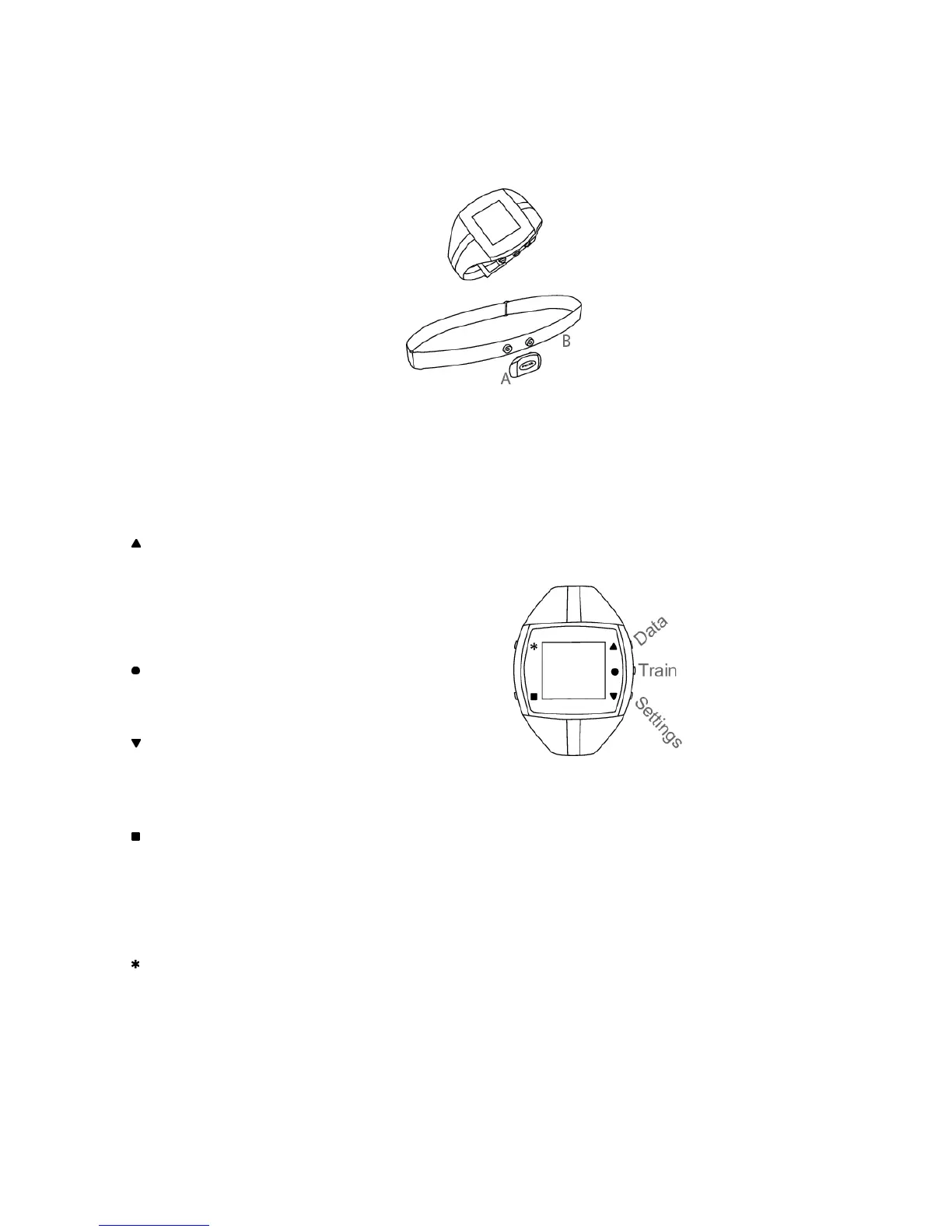
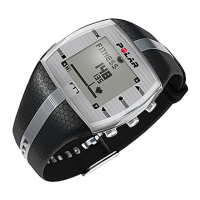
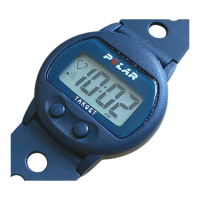
Get to Know Your Polar FT4 Training Computer
Training computer records and displays
your heart rate and other data during
training.
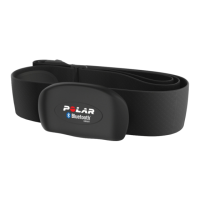
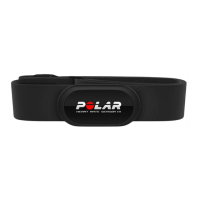
WearLink
®
transmitter transmits the heart
rate signal to the training computer. The
WearLink consists of a connector (A) and
strap (B).
The latest version of this user manual can
be downloaded at www.polar.fi/support.
For video tutorials, go to
http://www.polar.fi/en/support/video_tutorials.
Register your Polar product at
http://register.polar.fi/ to ensure we can
keep improving our products and services
to better meet your needs.
FT4 Buttons and Menu
UP :
• Enter the menu
• Move through selection lists
• Adjust values.
• Change the watch face with a long press in the Time view
OK:
• Confirm selections
• Select training type or training settings
DOWN:
• Enter the menu
• Move through selection lists
• Adjust values
BACK:
• Exit the menu
• Return to the previous level
• Cancel selection
• Leave settings unchanged
• Return to Time view with a long press
LIGHT:
• Illuminate the display
• Enter quick menu in Time view with a long press, to lock
buttons, set alarm or select time zone
• During training with a long press switch training sounds
ON/OFF or lock buttons
ENGLISH
4 Get Started





 To Next Page