14
CONTROLS & ADJUSTMENTS
General Adjustments
Turning the LCD TV On and Off
T
T
u
u
r
r
n
n
i
i
n
n
g
g
i
i
t
t
O
O
n
n
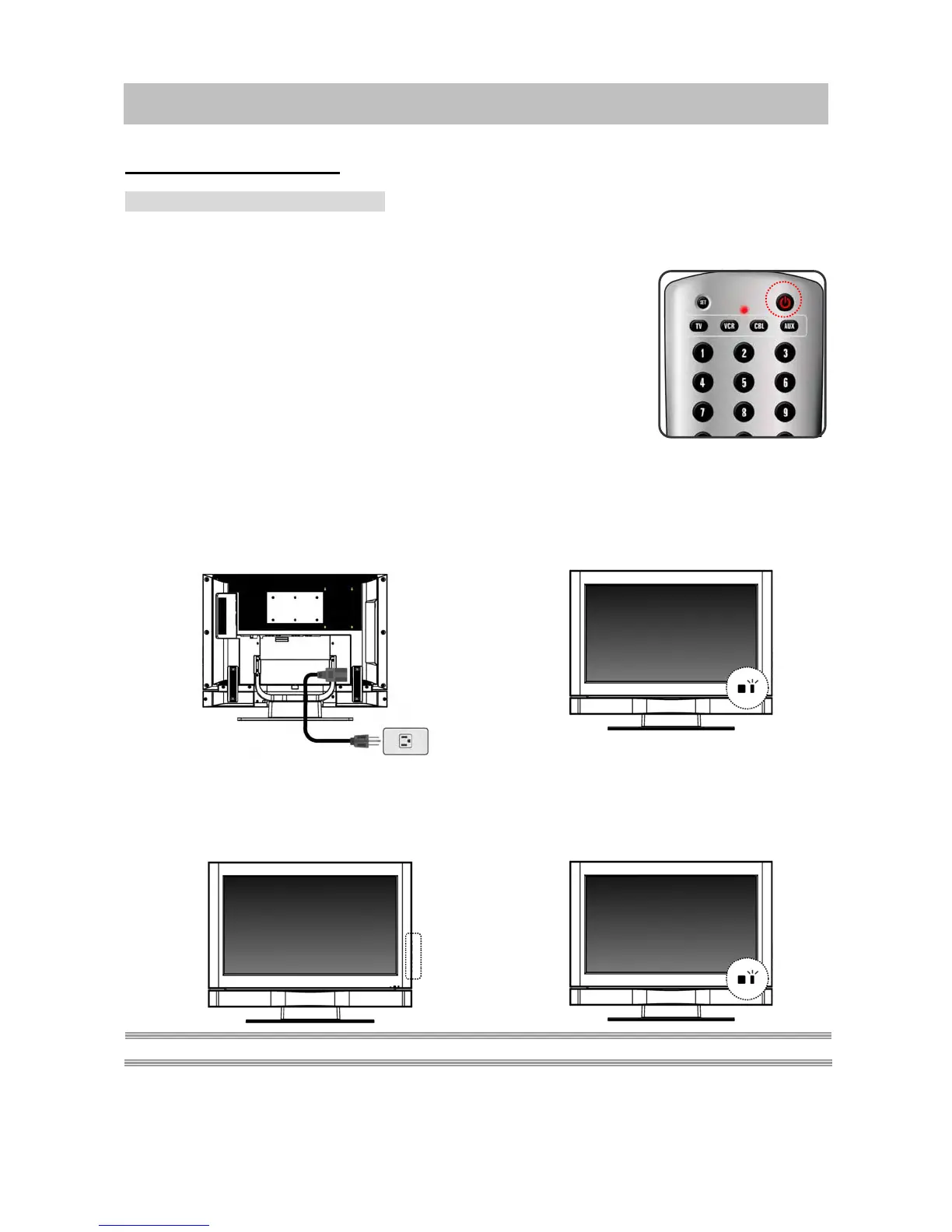
Plug the power cable into the AC-in socket located on the left rear of
the LCD TV. Plug the other end into an electrical socket.
Press the power button on the remote control or right side of the TV
to turn the TV on.
The power status light found in the lower right corner of the TV
indicates the following :
BLUE LIGHT ─ power on
PURPLE LIGHT
─ power saving (PC mode)
RED LIGHT
─ power off
T
T
u
u
r
r
n
n
i
i
n
n
g
g
i
i
t
t
O
O
f
f
f
f
Press the power button on the remote control or right side of
the TV to turn the TV off.
NOTE: If “NO SIGNAL” appears for 10 minutes in theTV or Video mode, the set will automatically power off.
RED
BLUE



 To Next Page
 Loading...










