22
Polaroid m737t Digital Camera User Guide
www.polaroid.com
• Setting the Display Language
Under this setting, you can select the language you prefer for the LCD
screen.
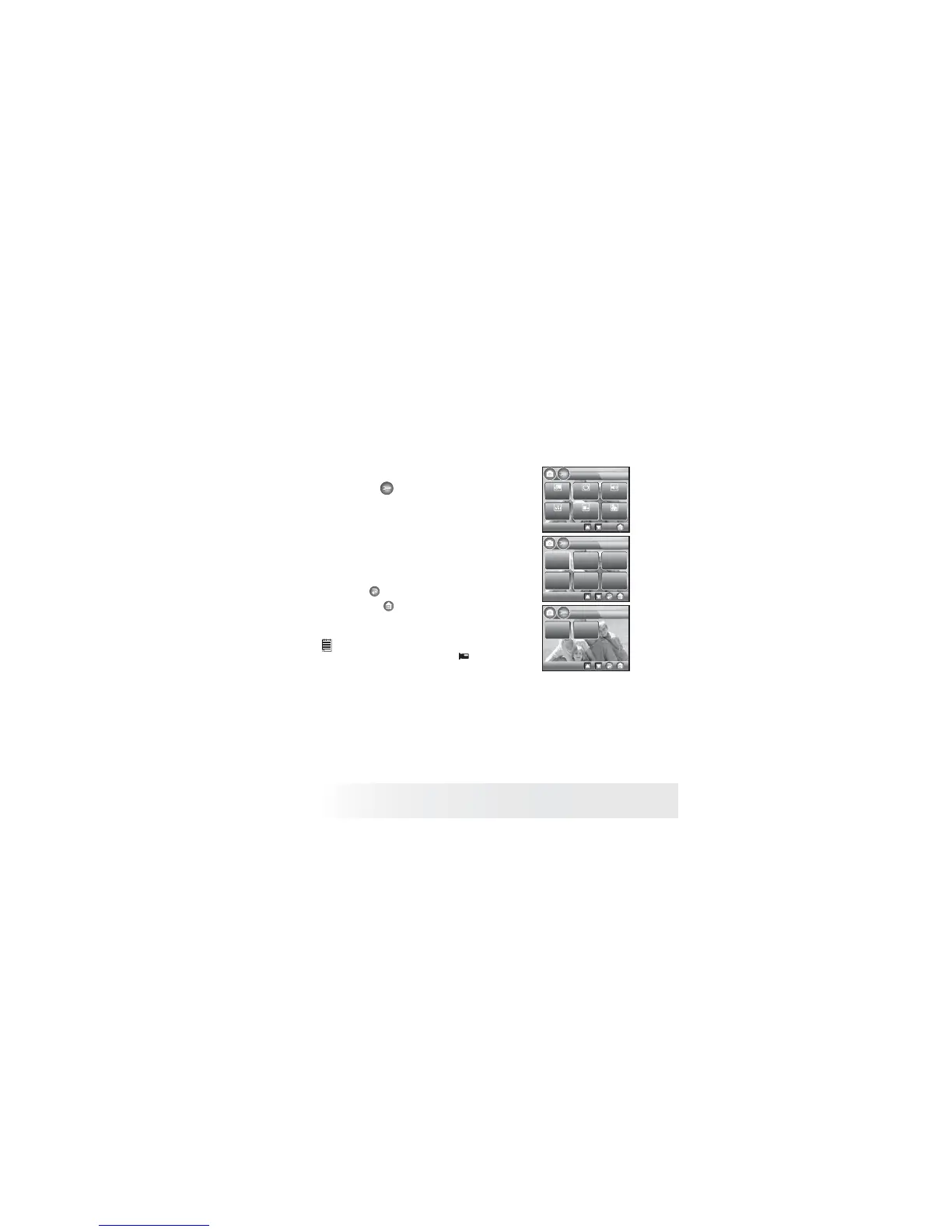
1. Touch the button to access SETUP.
SETUP
Volume
Language
Date Stamp
Beep Sound
1/3
Auto
Power Off
Date/Time
1/2
Language
English Deutsch Français
Espanol
Italino
Português
2/2
Language
ಷЮმ
฿ᇖ
2. Touch Language button.
3. Click a language you want to operate.
The current selected option will take effect
immediately.
4. Touch button to return to previous
menu, and button to exit from the menu
window.
NOTE:
• This setting is also available in (Video) mode.



 To Next Page
 Loading...








