71
Polaroid m737t Digital Camera User Guide
www.polaroid.com
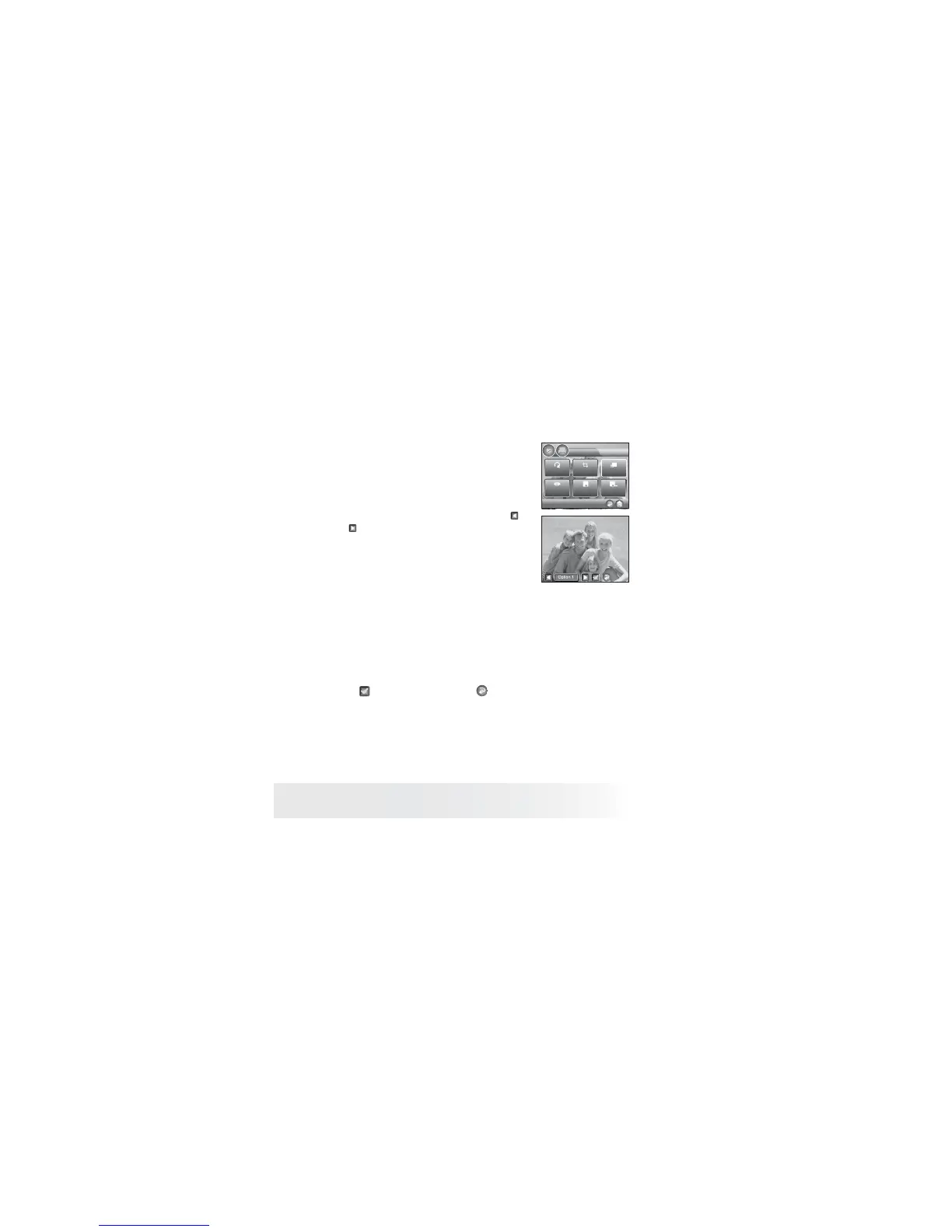
• Enhancing the Color of Image
1. Follow the instructions on page 69 to
access OBE.
2. Select Color enhance.
3. Select the option you desire by touching
or .
OBE
Rotate Crop
Color
Enhance
Red Eye
Remove
Save
Save As
Option 1 Allows you to adjust brightness and contrast without any
color enhancement.
Option 2 Produces increased color enhancement that is optimized for
photos with white / black regions.
Option 3 Produces extra color enhancement that is optimized for
photos with grey regions.
4. Click
to confi rm your choice, and to return to OBE main menu.



 To Next Page
 Loading...








