39
Polaroid m737t Digital Camera User Guide
www.polaroid.com
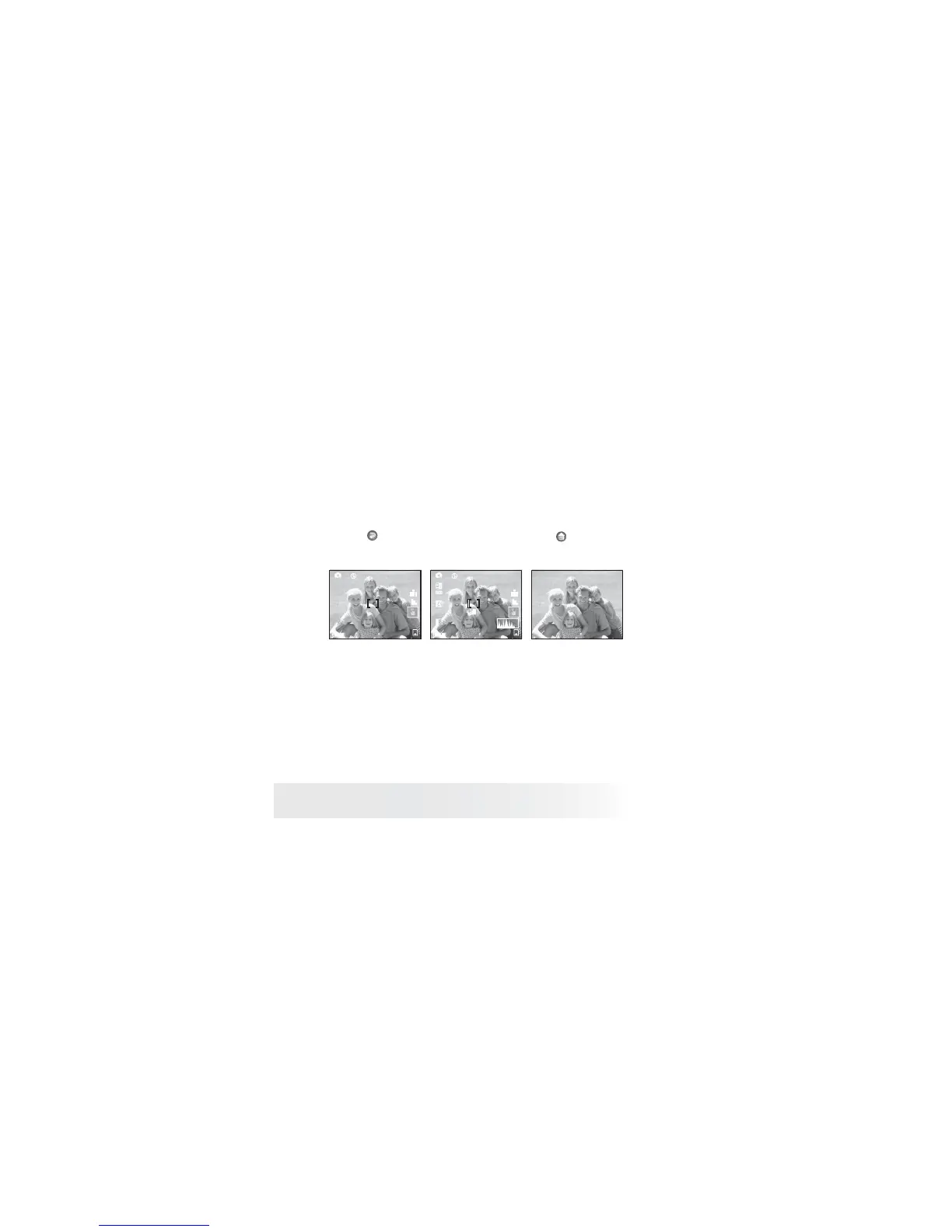
• Turning the Information Display On/Off in Still Mode
1. Follow the instructions on page 35 to access Hot Key function.
2. Select Display.
3. Select a display mode by touching the corresponding option.
4. Touch
button to return to previous menu, and button to exit
from the menu window.
M
00001
3072X2304
100
1
M
00001
3072X2304
Basic information Information offDetail Information
with histogram



 To Next Page
 Loading...








