24
Polaroid m737t Digital Camera User Guide
www.polaroid.com
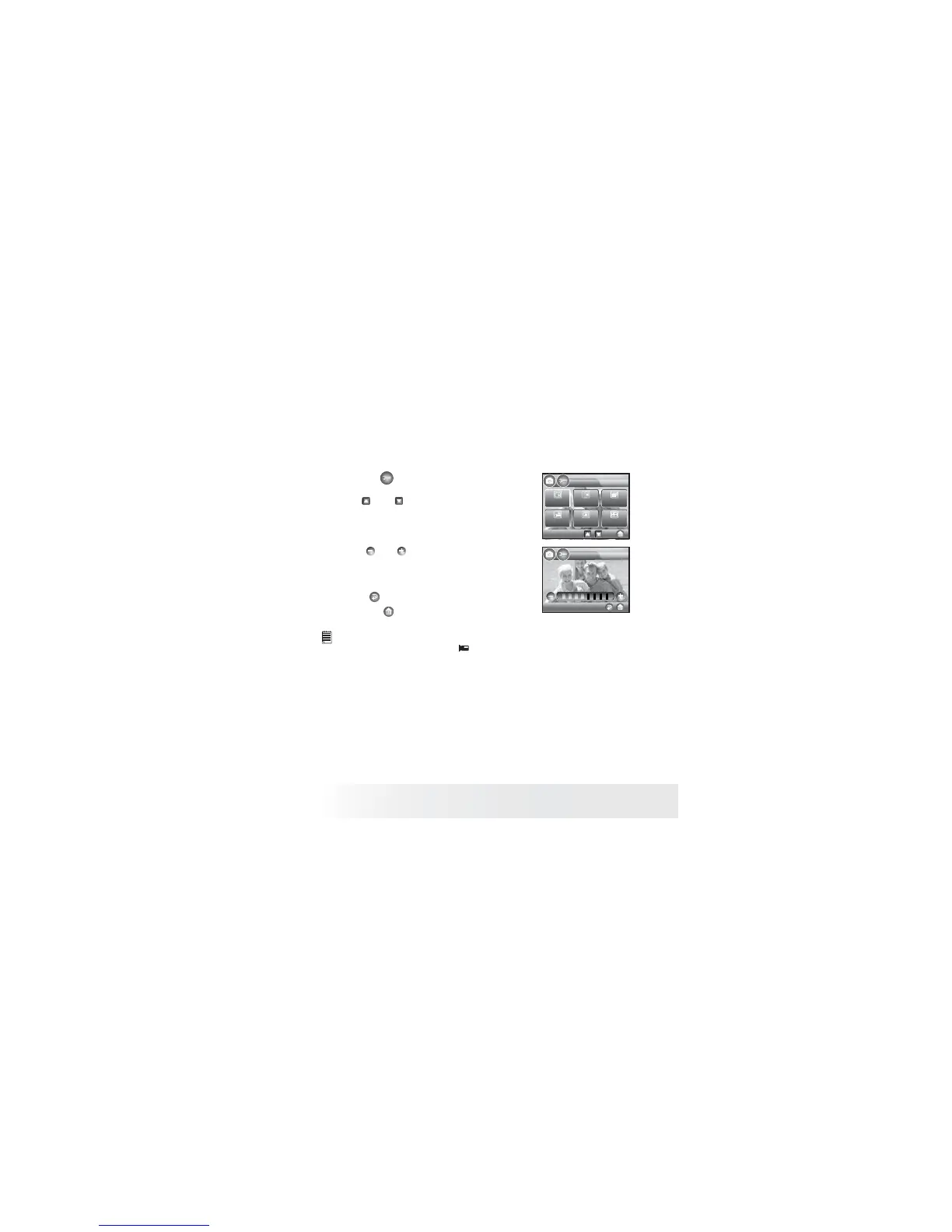
• Adjusting the LCD Brightness
This setting enables you to adjust the brightness for the LCD screen.
1. Touch the button to access SETUP.
2/3
SETUP
Format
Sequnce No.
Opening
Panel
Calibration
LCD
Brightness
Default
Setting
LCD Brightness
2. Click and to scroll to previous and
next page. Touch LCD Brightness button to
access.
3. Touch and to adjust LCD brightness.
The currently adjusted brightness will take
effect immediately.
4. Touch button to return to previous
menu, and button to exit from the menu
window.
NOTE:
• This setting is also available in (Video) mode.



 To Next Page
 Loading...








