14 Polaroid PhotoMAX PDC 640 Quickstart Guide
About the camera controls
For more information about these options, refer to the
online
Image Maker Products User’s Guide
.
a
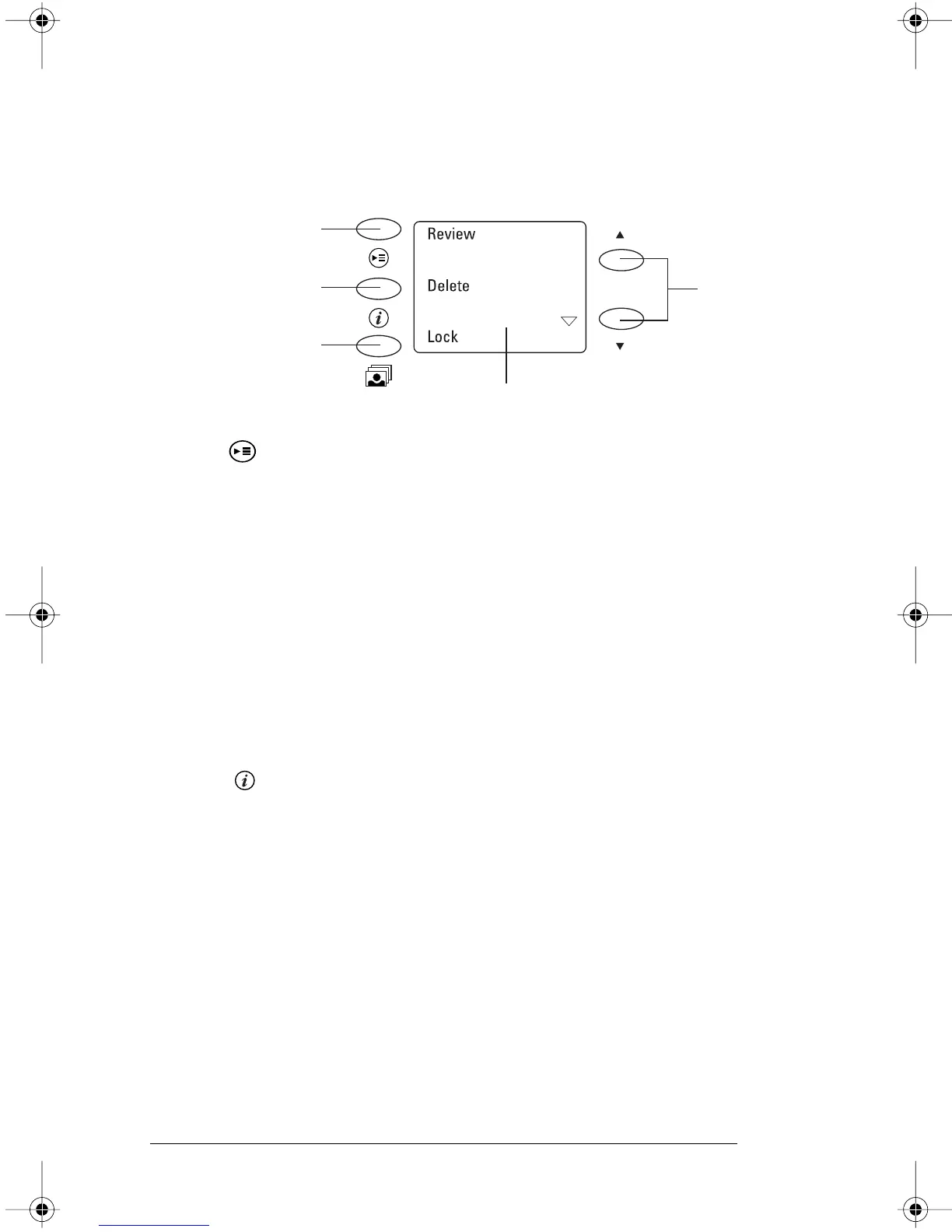
You use the following Menu options to:
• Review images
• Delete images
• Lock images
• Use the self-timer
• Change settings
You can change the date and time, enable or disable
camera beeps, change the quick review, set the
video mode (NTSC or PAL), and set the language
of the menu options.
b
Press the Information button to display the following
information on the LCD viewfinder:
• Resolution
• The number of the image and how many images
are stored in memory
• If the image is locked
a
b
c
e
d
PDC640.FM Page 14 Wednesday, September 30, 1998 1:23 PM



 To Next Page
 Loading...




