20 Polaroid PhotoMAX PDC 640 Quickstart Guide
Taking pictures
Your PhotoMAX PDC 640 Digital Camera Creative Kit
contains everything you need to take pictures and
transfer them to your computer where you can edit
them, send them over the Internet, print them, and
store them.
You can take pictures using the optical viewfinder or
using the LCD viewfinder.
Use the optical viewfinder:
• For faster processing and flash recycle time
• To optimizes battery life
Use the LCD viewfinder to optimize framing your
image when you are using macro mode.
To take a picture:
1.
Turn on the camera.
2.
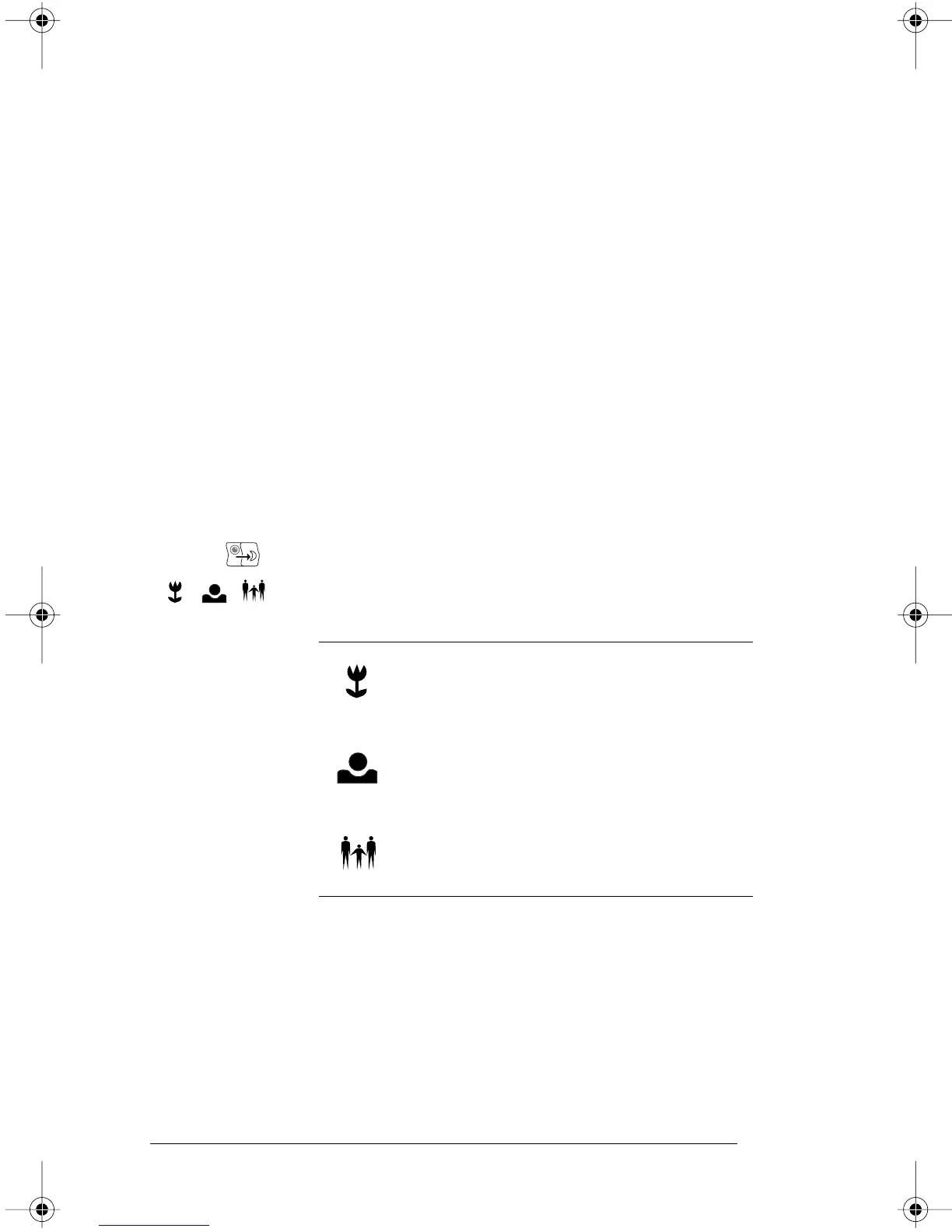
Set the distance setting to one of the following:
Icon For subjects...
Macro mode
0.5 to 1.5 ft. (15 to 45 cm) from the
camera
Close-up mode
1.5 to 5 ft. (45 cm to 1.5m) from the
camera
Normal mode
3 ft. to infinity (1m to infinity) from the
camera
PDC640.FM Page 20 Wednesday, September 30, 1998 1:48 PM



 To Next Page
 Loading...




