65
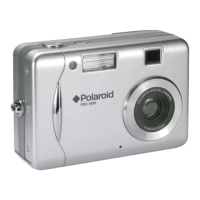
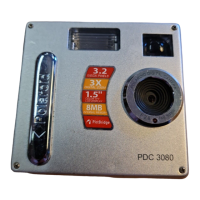
Polaroid PDC 3080 Digital Camera User Guide
www.polaroid-digital.com
1. Before you begin, close all other software
applications open on your computer.
2. Insert the CD supplied into the computer CD-
ROM Drive.
3. The CD User Interface Screen will
automatically launch.
4. With the mouse, click on each
software interface button in
turn and follow the on screen
instructions.
Open & Close
NOTE:
If the setup screen does not
appear after loading the CD,
then you can manually start
it by double-clicking the “My
Computer” Icon on your desktop,
then double-clicking the icon for
the CD-ROM drive. When the CD-
ROM window opens, double-click
the “INSTALL-E.EXE” icon.
For Macintosh Users:
Mac
1. Before you begin, close all other software applications opened on your
computer.
2. Insert the CD supplied into the computer CD-ROM Drive.
3. Double click the CD-ROM icon “Polaroid”.
4. Install the software included.


 To Next Page
 Loading...