36
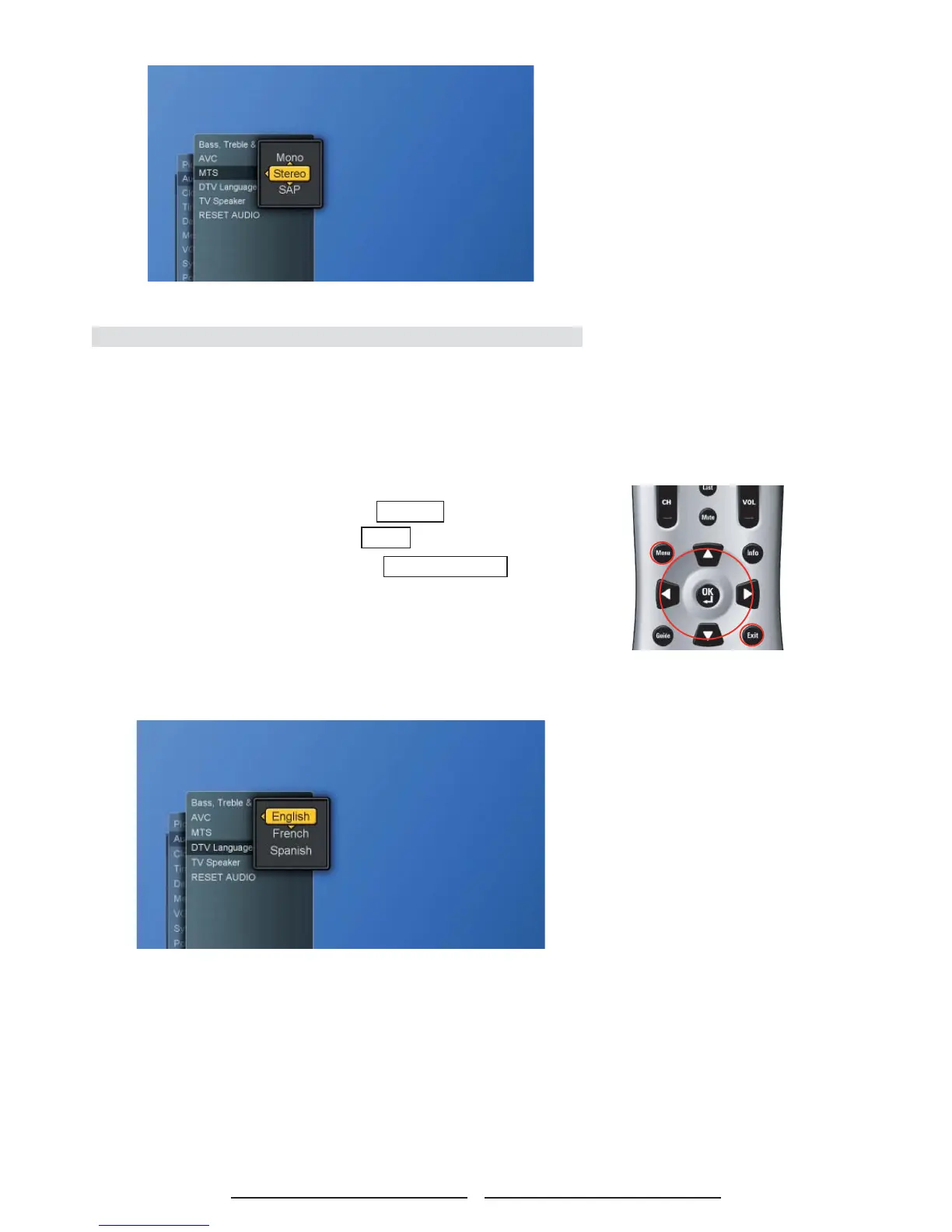
Choosing a Multi-Track Sound ( MTS ) in Digital TV
Preferred Language
The digital -TV transmission system is capable of simultaneous
transmission of many audio tracks (for example, simultaneous
translations of the program into foreign languages).
1. Press the Menu button to display the main menu.
2. Press the ▲▼ buttons to select Settings.
3. Press ► / ▼ buttons to select Audio.
4. Press ► / ▼ buttons to select DTV Language and then
press ► button again to display the menu.
5. Press ▲▼ and OK buttons to choose the desired item.
6. Press ◄ button to return to the previous screen or press
Exit button to exit all menu.



 To Next Page
 Loading...