13
Polaroid izonePHOTO™ Portable Digital Picture Viewer User Guide
www.polaroid-digital.com
• Formatting the Internal Memory or a Memory Card
Formatting the internal or external memory deletes all data stored in it.
1. Set the picture viewer to SETUP mode.
2. Press the button.
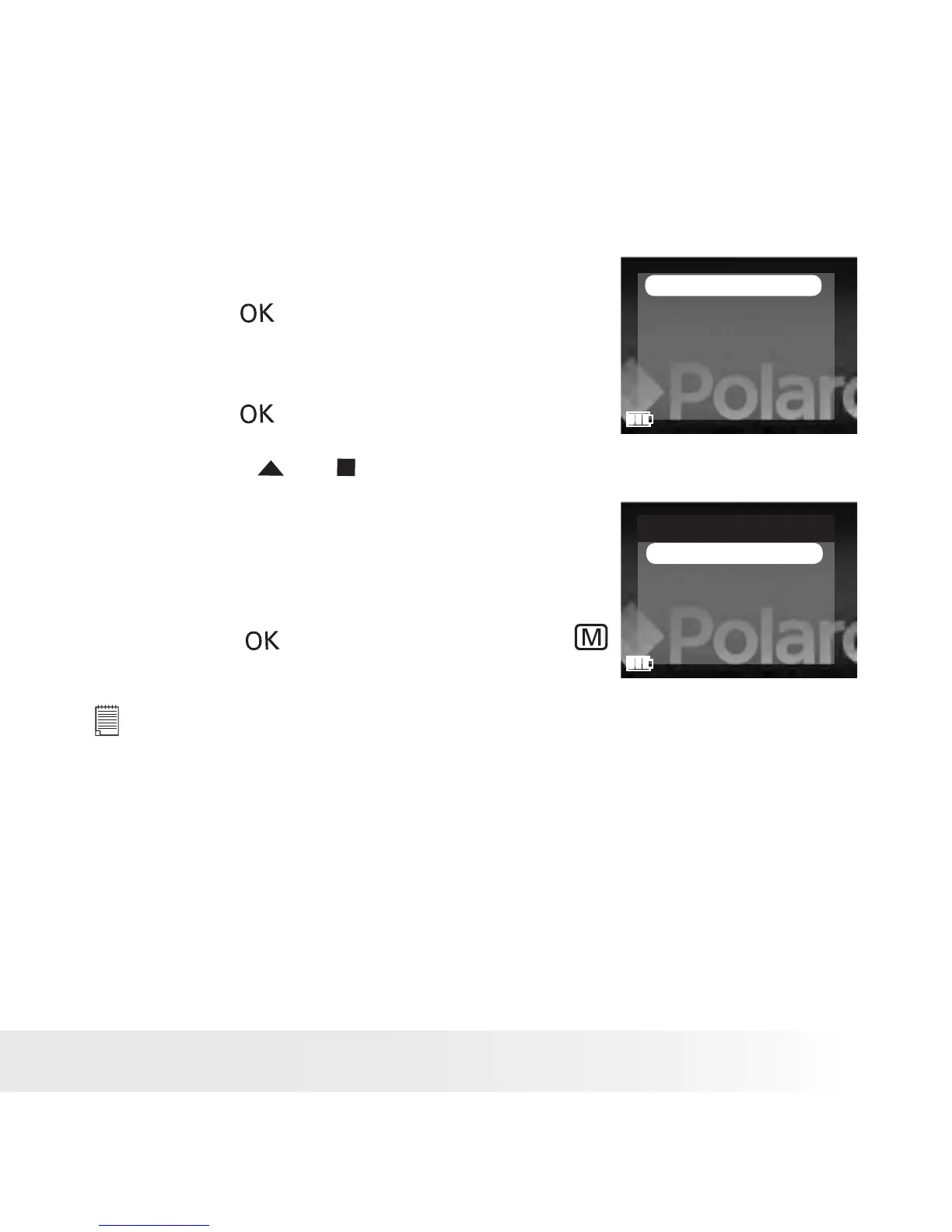
3. “FORMAT” is the current selection.
FORMAT
BEEP SOUND
AUTO POWER OFF
LANGUAGE
TV OUT
DEFAULT SETTING
4. Press the button.
5. Press the or button to select the
desired setting.
Choose “NAND FLASH” to format the
internal memory, or “CARD” to format the
memory card.
6. Press the button to conrm, or the
button to exit.
FORMAT
NAND FLASH
CARD
NOTE:
• Data deleted by a format operation cannot be recovered. Make sure you
do not have any useful data currently stored in the internal memory or the
memory card before you format it.
• Formatting destroys all the pictures and video clips, even those that are protected.
• SD cards formatted in another picture viewer, computer or other devices
may not work properly. It is recommended to format SD cards with your
izonePHOTO™ picture viewer.











 To Next Page