17
Polaroid izonePHOTO™ Portable Digital Picture Viewer User Guide
www.polaroid-digital.com
• Resetting to Default Settings
You can easily change all the settings you made back to the default
settings by the following steps.
Please refer to “Picture Viewer Default Settings” on page 18 for more
details.
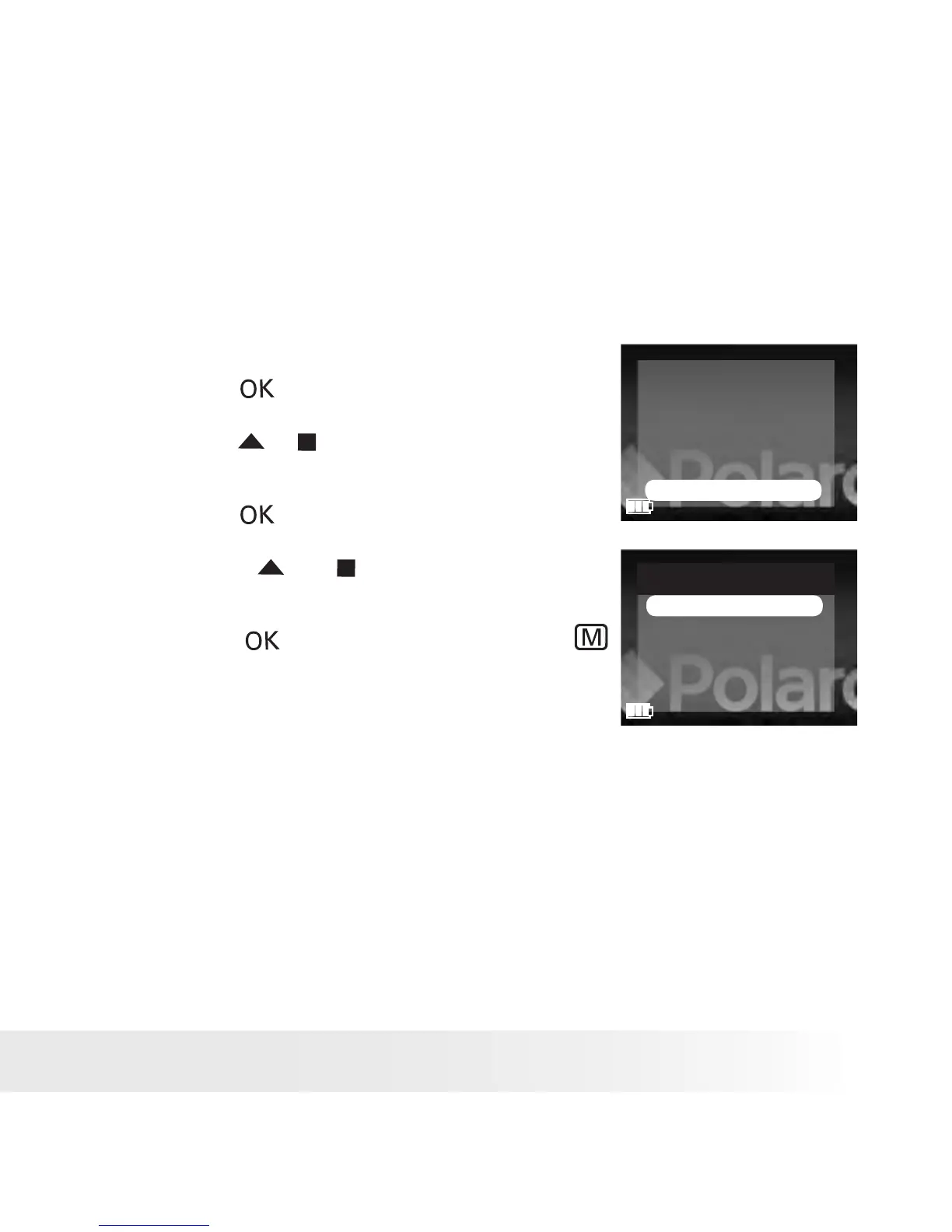
1. Set the picture viewer to SETUP mode.
2. Press the button.
FORMAT
BEEP SOUND
AUTO POWER OFF
LANGUAGE
TV OUT
DEFAULT SETTING
3. Press the or button to select “DEFAULT
SETTING”.
4. Press the button.
DEFAULT SETTING
YES
NO
5. Press the or button to select the
desired setting.
6. Press the button to conrm, or the
button to exit.











 To Next Page