• View Pictures and Video Clips on a TV
Setting the Video Output System
The video output signal (NTSC or PAL) can be switched to accommodate
different signal systems. For example, NTSC for USA, Canada, Taiwan,
Japan, etc. and PAL for Europe, Asia (excluding Taiwan), and so on.
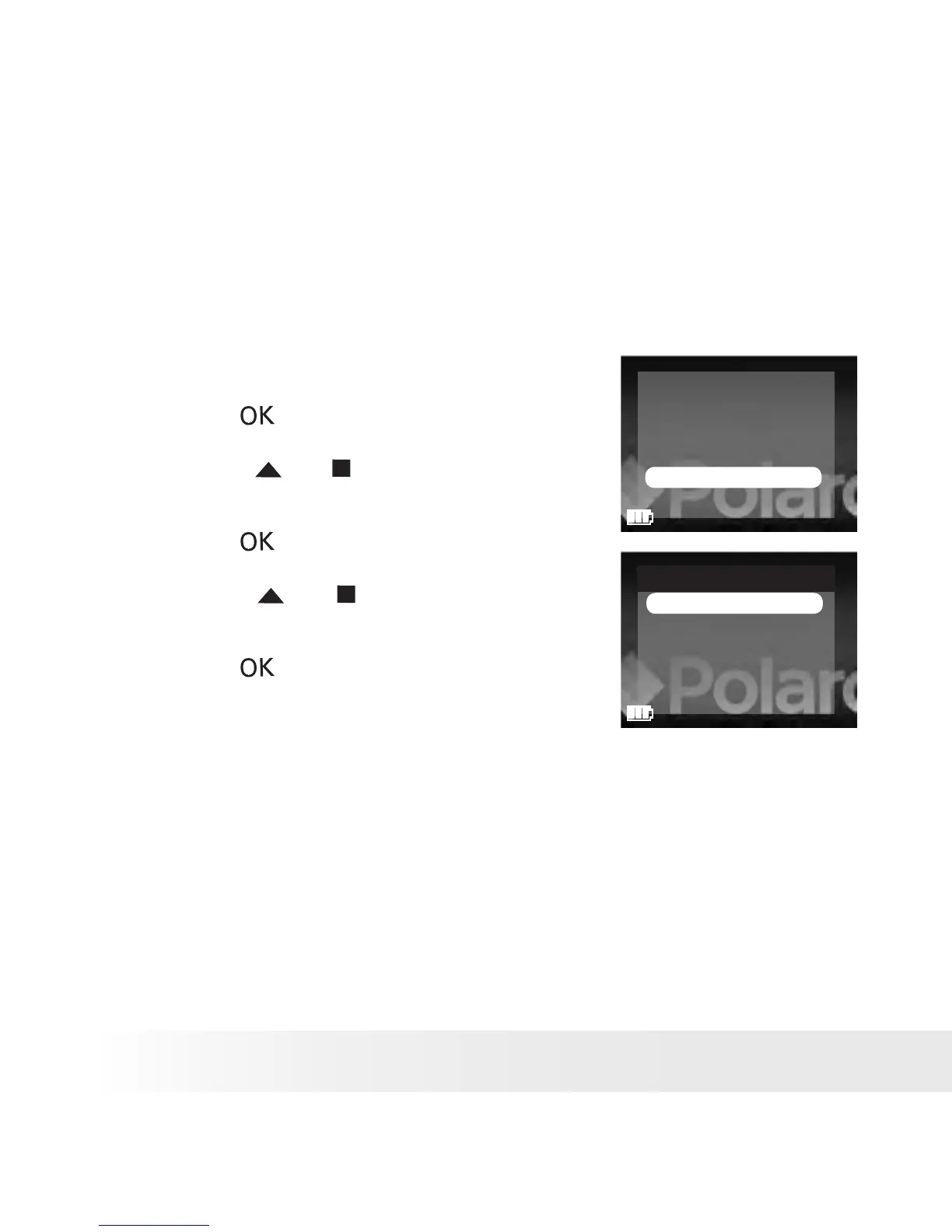
1. Set the picture viewer to SETUP mode.
2. Press the button.
FORMAT
BEEP SOUND
AUTO POWER OFF
LANGUAGE
TV OUT
DEFAULT SETTING
3. Press the or button to select “TV
OUT”.
4. Press the button.
5. Press the or button to select the
desired setting.
TV OUT
PAL
TV NTSC
OFF
6. Press the button.











 To Next Page