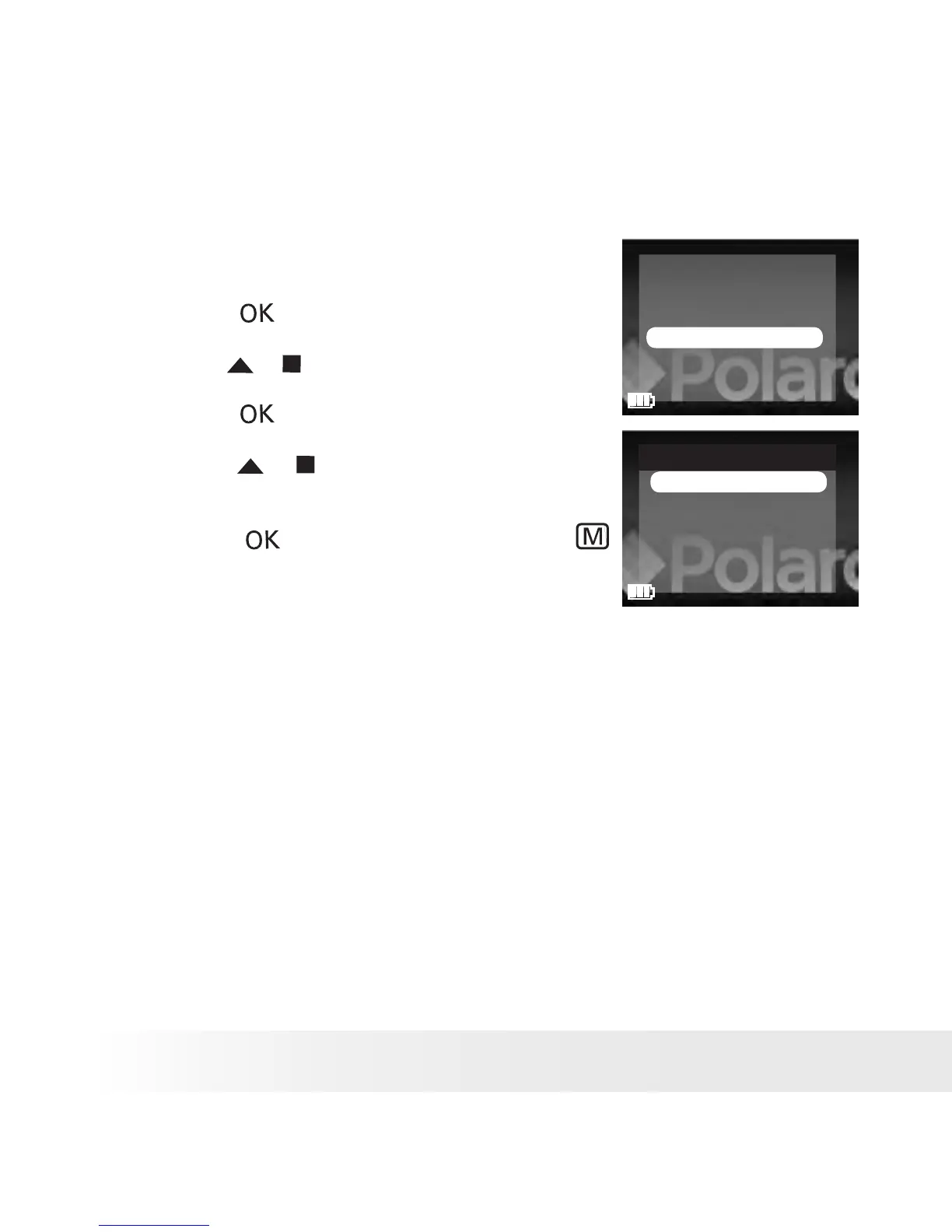
• Setting Display Language
Under this setting, you can select the language you prefer for the LCD
screen.
1. Set the picture viewer to SETUP mode.
2. Press the button.
FORMAT
BEEP SOUND
AUTO POWER OFF
LANGUAGE
TV OUT
DEFAULT SETTING
3. Press the or button to select “LANGUAGE”.
4. Press the button.
5. Press the or button to select the desired
setting.
LANGUAGE
ENGLISH
GERMAN
FRENCH
ITALIAN
6. Press the button to conrm, or the
button to exit.











 To Next Page