geneo+U
22
NEW PROTOCOL
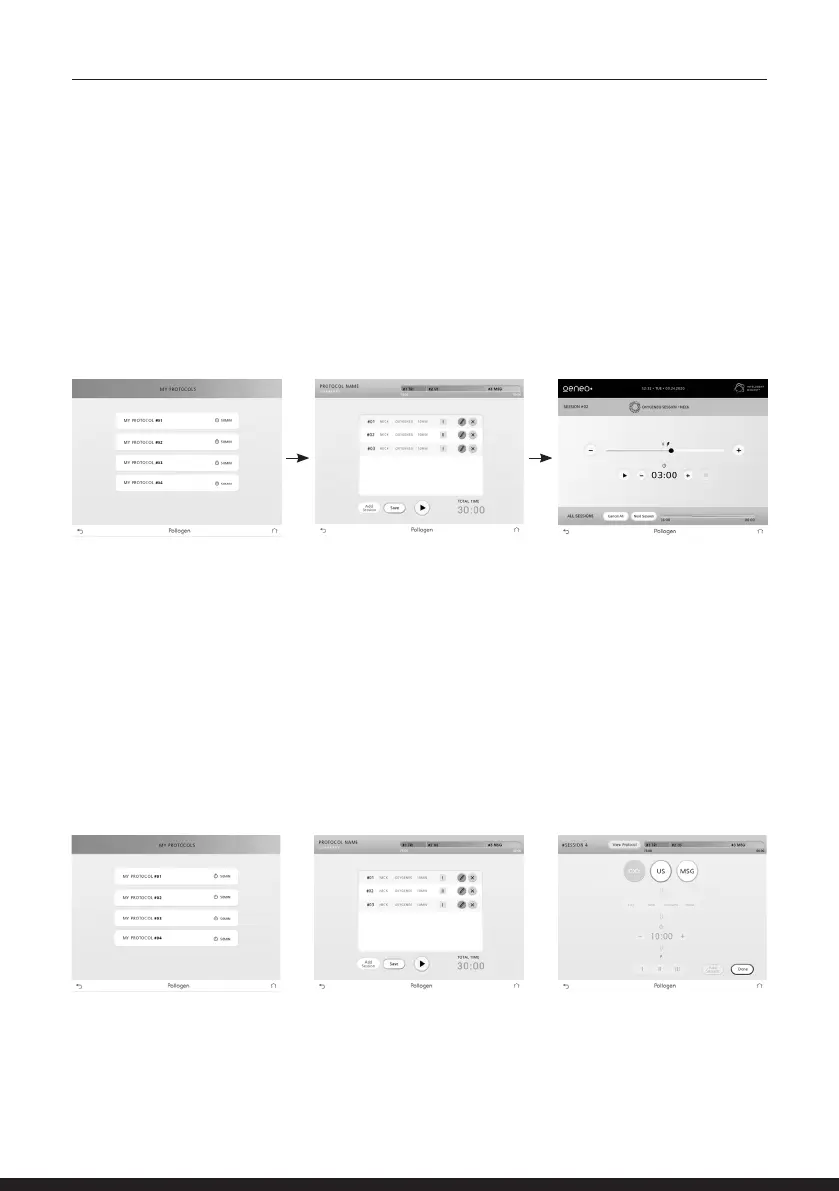
If you wish to create your own treatment protocol, press ‘My Protocols’ key and choose the protocol
number by pressing one of four bars.
Protocol summary screen will appear.
Tap the ‘Add Session’ button. A wizard screen will appear.
MY PROTOCOLS
If you wish to set protocols of your own preference, press the ‘My Protocols’ button to reach the list
of the 4 personal protocols.
Press on the desired protocol bar. A protocol summary screen will appear with a window
Displaying types of sessions and total treatment time.
NOTE: During the initial use, the protocols will be empty until compiling and saving the protocols.
Add or edit sessions according to your discretion and press the SAVE button to save the protocol.
Press PLAY button to begin session, followed by pressing the ON button on the applicator.
1. Tap on the wanted treatment from the treatment bar.
a. Oxygeneo = OXY b. Ultrasound = US c. Massage = MSG



 To Next Page