geneo+U
23
EDIT PROTOCOL/SESSION
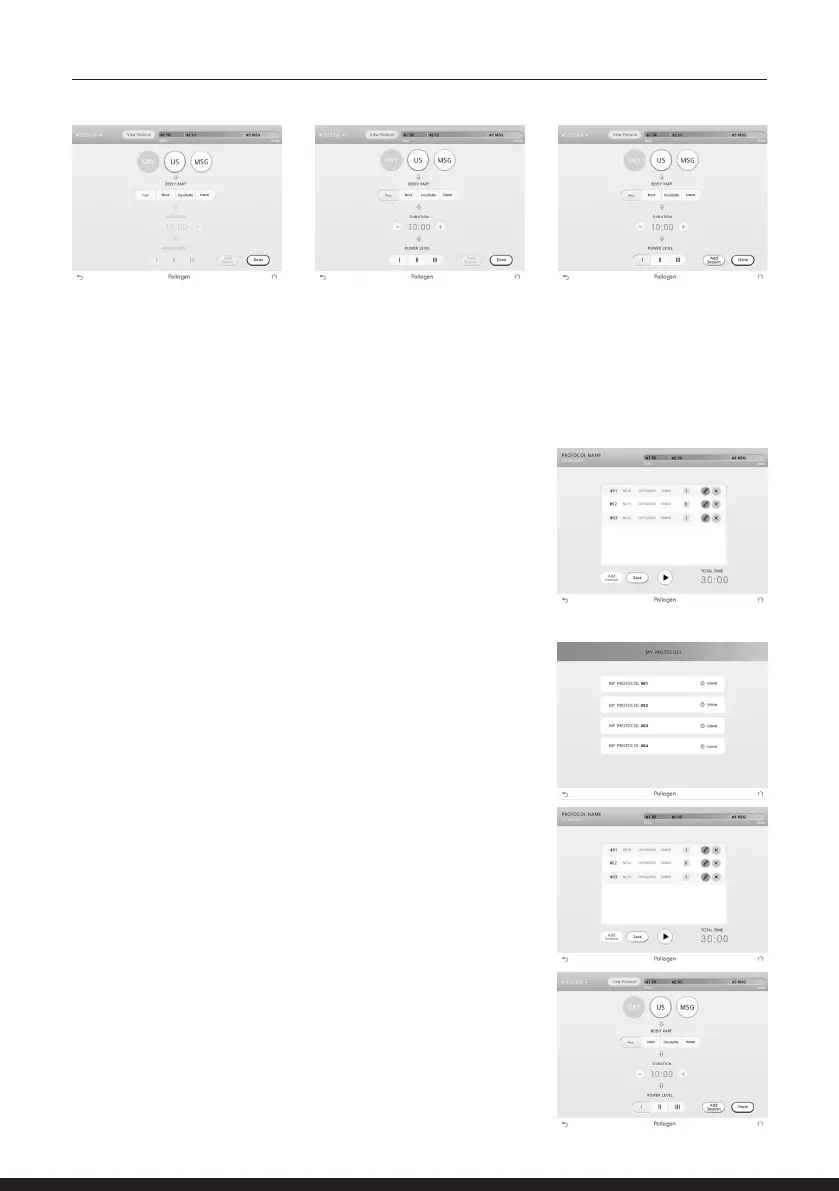
To edit a pre-set protocol of the ‘My protocols’ list, choose the
intended protocol by tapping it.
2. Choose the treatment area.
3. Adjust the session time.
4. Adjust the session intensity.
5. Tap ‘Add session’ key. The session will appear at the sessions progress bar at the top of the
screen.
6. Add all the wanted sessions repeating steps 1-5.
7. When your personal protocol is ready, Tap the DONE key.
8. To start the session, tap the PLAY followed by applicator
ON key.
9. If you wish to save the newly compiled protocol tap the SAVE
key.
NOTE: The newly created protocol will then be saved over one
of the 4 pre-set protocols you’ve chosen to overwrite.
Protocol summary screen will appear
To erase a session tap the X key
To edit a specic session tap the Pencil key, a wizard screen will
appear where all parameters can be adjusted.
To add a new session tap the ‘Add session’ key and follow steps
1-9 in the previous section.
After completing the adjustments in the protocol, press SAVE
key to save the protocol and/or PLAY key to begin the treatment
followed by applicator ON key.



 To Next Page