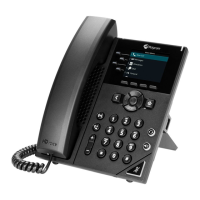
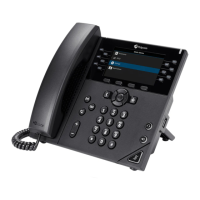
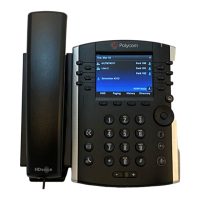
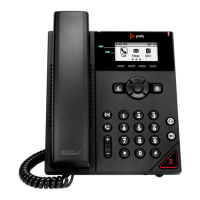
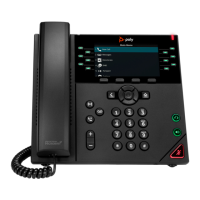
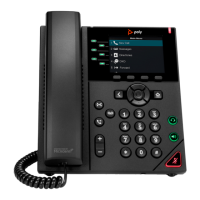
Note: Some steps, screenshots and options may differ slightly depending on the application,
browser, operating system and software version you are using.
Dialling a Phone Number
1. On your screen select the Make a Call icon and then select the
Dialpad icon.
2. Dial the number and select the Call icon to place the call.
Making a call using your contact list
1. On your screen, select the Make a Call icon.
2. Using the Favourites, Speed Dial or Recent Calls list Search for a
contact.
3. Click on the contact and select the Call icon besides the contact.
Answering a call
1. You will receive a notification asking you to either accept or decline
a call.
2. To answer lift the Handset and press the Headset key or the
Speakerphone key.
3. Tap the Call icon on the screen to accept the call.
4. Alternatively, decline the call to redirect the call to Voicemail,
Disconnecting a call
1. Press the End Call icon on screen and replace the Handset.
2. If active press the Headset/Speakerphone icon.



 To Next Page