3
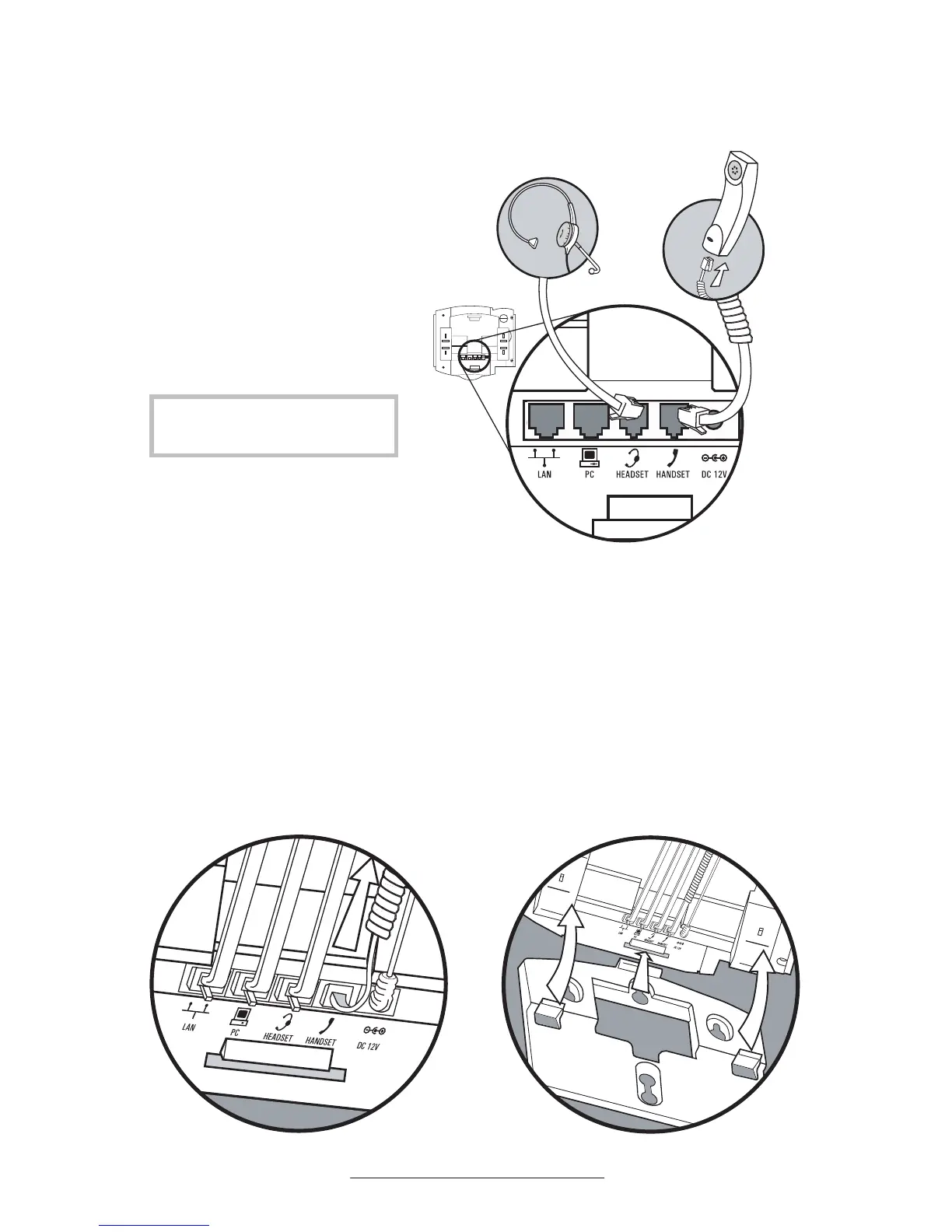
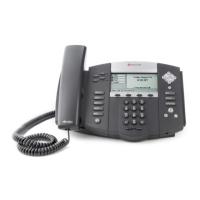
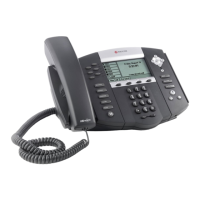
Connecting the Handset and Optional Headset
Attaching the Base
(Optional)
1. Connect the short straight end
of the telephone cord to the
handset and the corresponding
longer straight end of the cord to
the handset jack on the back of
the telephone.
2. Connect the headset (optional
accessory) to the headset jack on
the back of the telephone.
1. Place all cords in the recessed area
above the modular jacks as shown.
2. Align the two protrusions on the
bracket with their corresponding
holes in the telephone and snap
them together to lock the base to the
telephone.
For a list of compatible headsets,
go to: www.polycom.com



 To Next Page