Handset Volume
When the receiver in on-hook press the – and + volume keys to
change the ringing volume. When the receiver is off-hook press the
– and + volume keys to change the volume of the receiver.
Call Pickup
If you see another VoIP phone within your Group ringing, but your
phone is not ringing, you can dial *98 to intercept that call on your
handset.
Line Keys
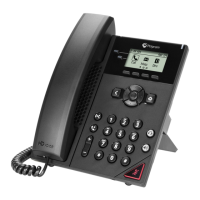
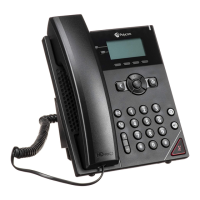
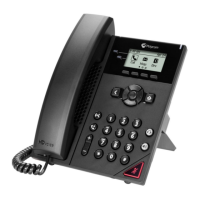
The VVX150 has a spare Line Key that can be assigned via the SMT
portal to perform a specific action.
This spare Line Key can be assigned to perform one of the below
actions:
Group Pickup: Performs the same action as dialling *98.
Directed Pickup: Intercept an inbound call to specific user.
Speed Dial: Dials a number that has been set up within the Phone
Manager portal and assigned to a specific speed dial command.
Quick Dial: Dials a number manually entered within the SMT portal.
N.B. Line Monitors/BLF’s are not supported on the VVX150 handset.
Personal Voicemail
The handset display will change to alert you when you have voice
messages waiting. You can retrieve these messages by dialling 1571.
N.B. If you are away from your handset you can also check your
messages by dialling 08456999003 from any other phone.
Tel: 01302 260195 email: support@katcommunications.co.uk www.katcommunications.co.uk
1 Watervole Way, Doncaster, South Yorkshire, DN4 5JP







 To Previous Page