12
User’s manual
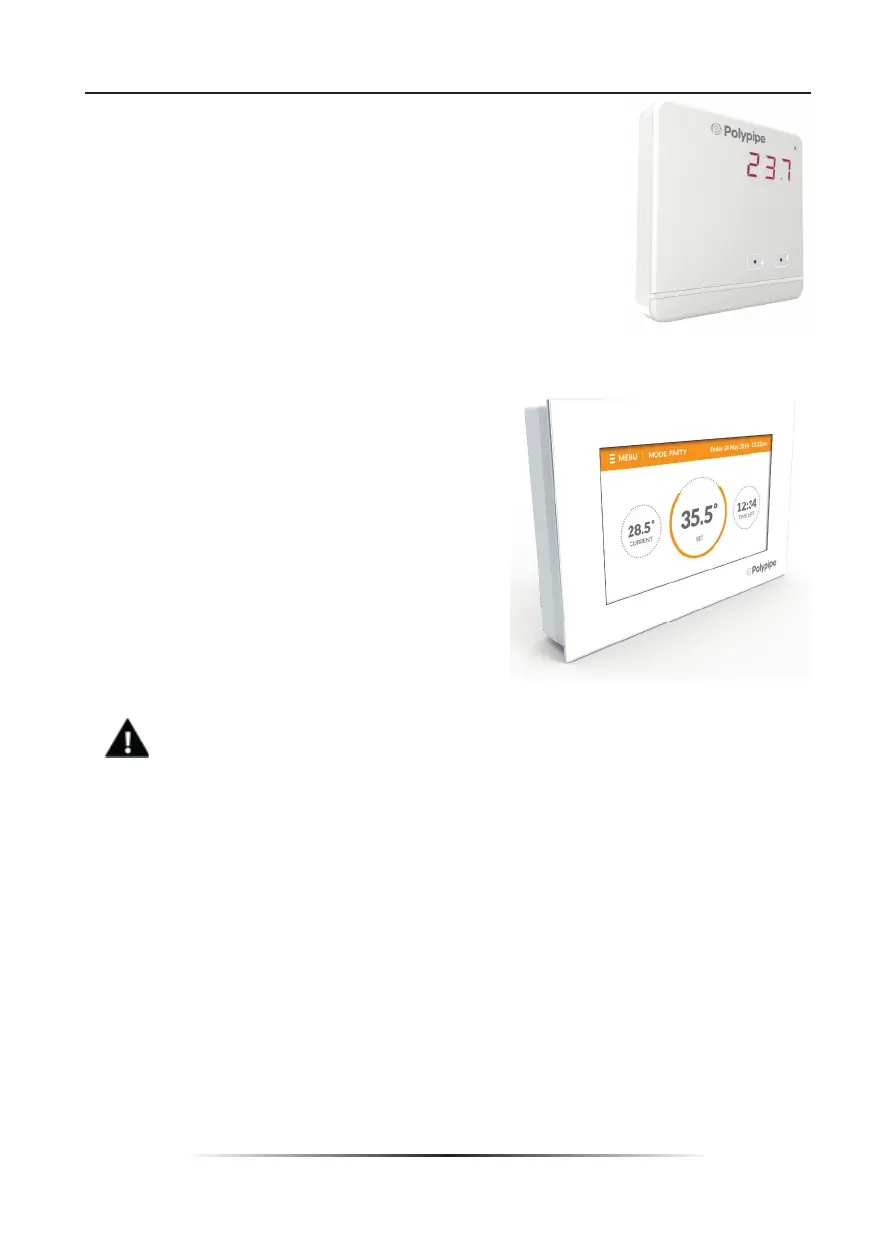
How to register UFHBOOSTWP room regulator:
In order to register, go to Sensor in the submenu of a given zone
(Zone / Registration / Sensor). After selecting Registration press
the communication button on the selected room regulator.
If the registration process has been completed
successfully, the UFH8ZMP display shows an appropriate message
whereas the room sensor display shows “Scs”. In case of errors in
the registration process, the room sensor display shows “Err”.
How to register UFHTFT room regulators:
In order to register, go to Sensor in the submenu
of a given zone ( Zone/Registration/Sensor). After
selecting Registration go to the room regulator menu
and activate the registration process (Controller
settings / Registration).
If the process has been completed
successfully, SUFH8ZMP external controller display
and the room regulator display show an appropriate
message
NOTE
Only one sensor / room regulator may be assigned to each zone.
The following rules must be kept in mind:
- once registered, the sensor/regulator cannot be unregistered, but only switched off by
selecting Switched off in the submenu of a given zone,
- if the user attempts to assign a sensor/regulator to the zone to which other sensor/
regulator has already been assigned, the fi rst sensor becomes unregistered and it is
replaced by the second one.
- if the user attempts to assign a sensor/regulator which has already been assigned to a
diff erent zone, the sensor/regulator is unregistered from the fi rst zone and registered in
the new one.
It is possible to set individual pre-set temperature value and weekly schedule for each
room sensor / regulator assigned to a given zone. The settings may be confi gured both
in the controller menu (Main menu/Sensors) and via polypipe.emodul.eu (using Internet
module).



 To Next Page