POLYPRINTDTG.COM
INSTALLATION GUIDE
1
NOTE: Avoid places subject to rapid changes in temperature and
humidity. Also keep the printer away from direct sunlight and heat
sources. Ideal operating conditions are 20
o
C temperature and
55% humidity.
| 01_STEP
First remove the top carton cover of the carton box. Then remove the
cardboard honeycomb sheets. Continue with the side carton cover.
| 02_STEP
Remove the wooden protective
structure, using a standard
screwdriver.
Fig.2: Unboxing.
Before you Start
Unboxing
Echo
2
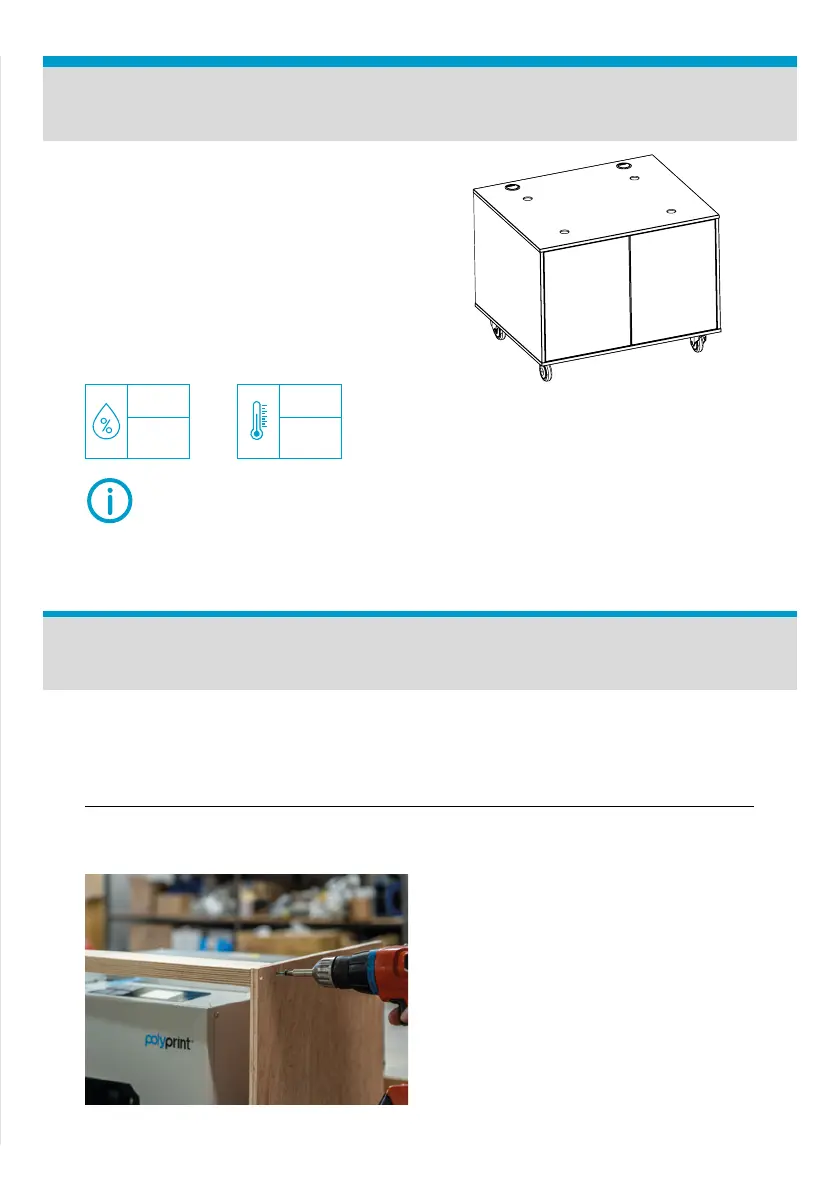
is compatible with Polyprint's
Uni Stand. If the stand is not
available, prepare a at, stable
surface with dimensions of at least
700x700 mm. The surface should
be capable of supporting more than
95kg.
Fig.1: Polyprint Uni Stand.
MIN
30
MAX
70
MIN
10
0
C
MAX
30
0
C
HUMIDITY TEMPERATURE



 To Next Page