POLYPRINTDTG.COM
INSTALLATION GUIDE
5
Press the power button. Follow the
instructions at Platen Control Panel
to set time, date and shake the
cartrdiges.
| 01_STEP
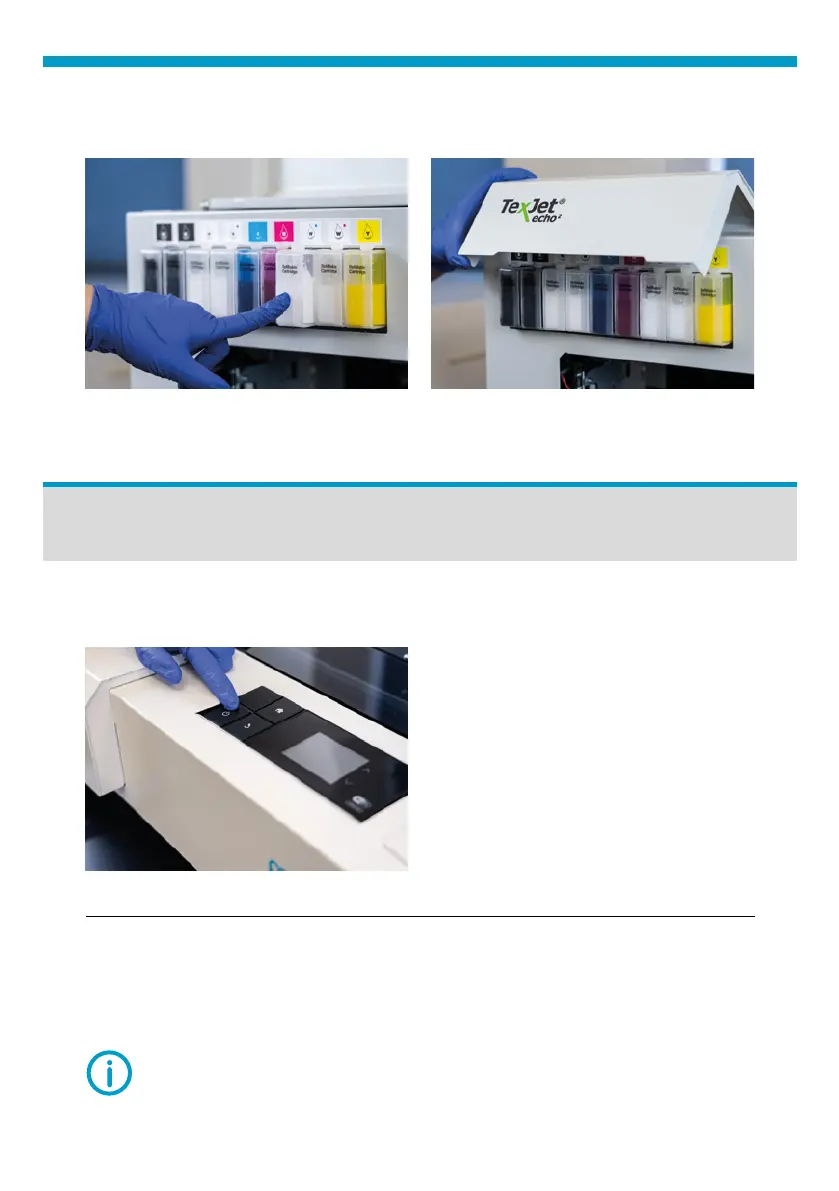
Install each sealed cartridge to their respective slots and close the cover.
Fig.8: Install Ink cartridge. Fig.8: Close Ink cartridge cover.
| 01_STEP
Power ON
Fig.9: TexJet
®
echo² Power button.
NOTE: After language is selected skip the Notice display screens by
pressing Proceed, and Yes.
| 02_STEP
On the Printhead Control Panel, select the desired language.



 To Next Page