13
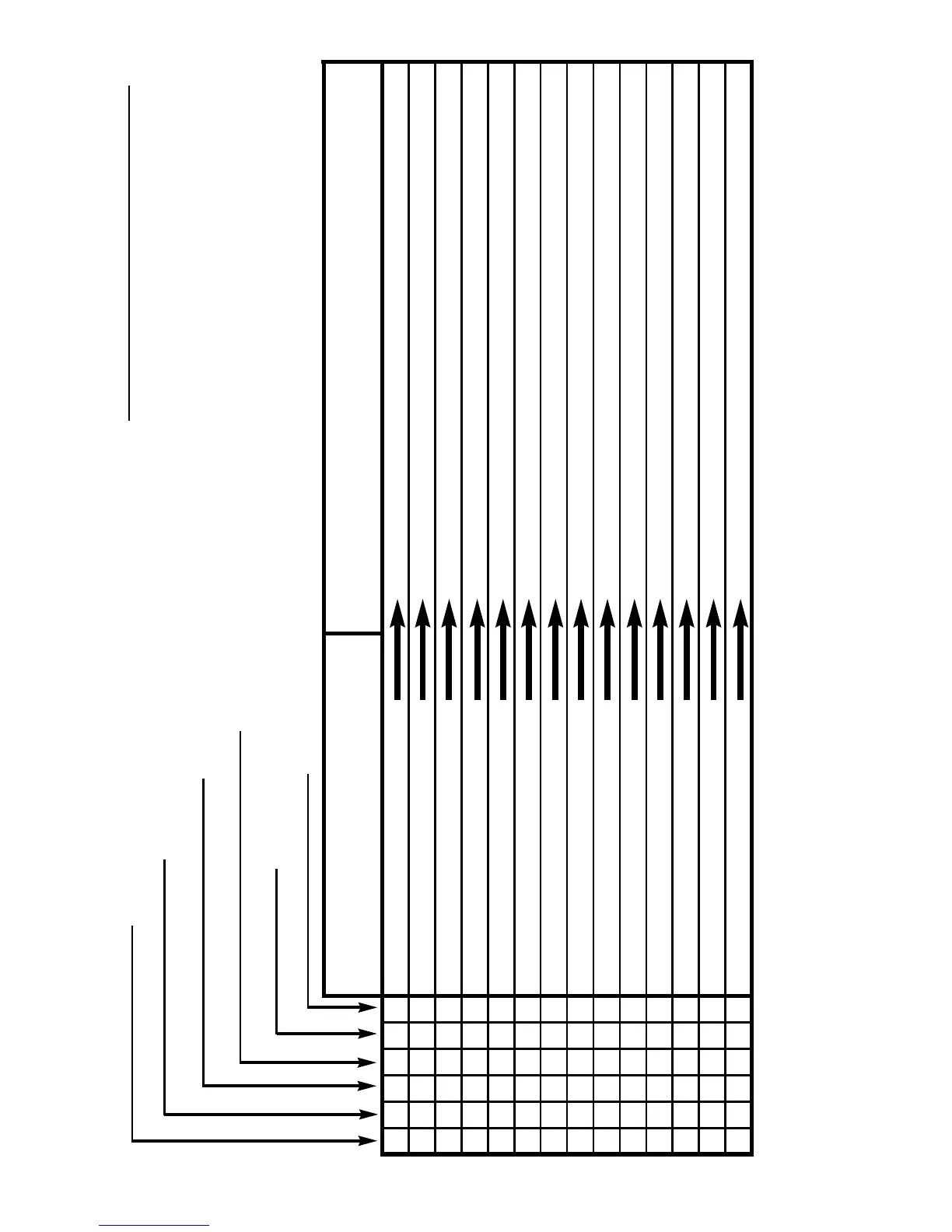
Low Salt Message Operational Chec
k List
Low Chlorine In Pool
Filter Pump Will Not Run
Erratic Reading On Monitor
Blank Display
No Chlorine Output
Probable Cause Remedy
●● ● ● Cell dirty Visually check cell and acid wash cell if dirty
●● ● ● Low salt Use Salt Test and add salt if required
● Low water temperature Normal for Winter (accept lower readings)
●●●Poor water flow Filter dirty/leaves in baskets/ valves closed
● Insufficient daily running time Increase running time of filter and Surechlor
● Insufficient chlorine stabiliser Have pool checked and add stabiliser if needed
●● ●● Power point not switched on Check power point
●● ● ● Excessive air in cell Pump lid/pipe connections/low pool water
●● ● “Chlorine Control” turned down Check Chlorine Control setting
●●●Internal fuse blown Call serviceman
●● ●● Time not correctly set Check settings and read instructions
●●●Pump not running Check motor overload from blockage in pump
●●●●●● Pump problems Check for locked rotor or call serviceman
●●●Pump not plugged into unit Check pump is plugged into Power Pack


 To Next Page