REV. 032017
20
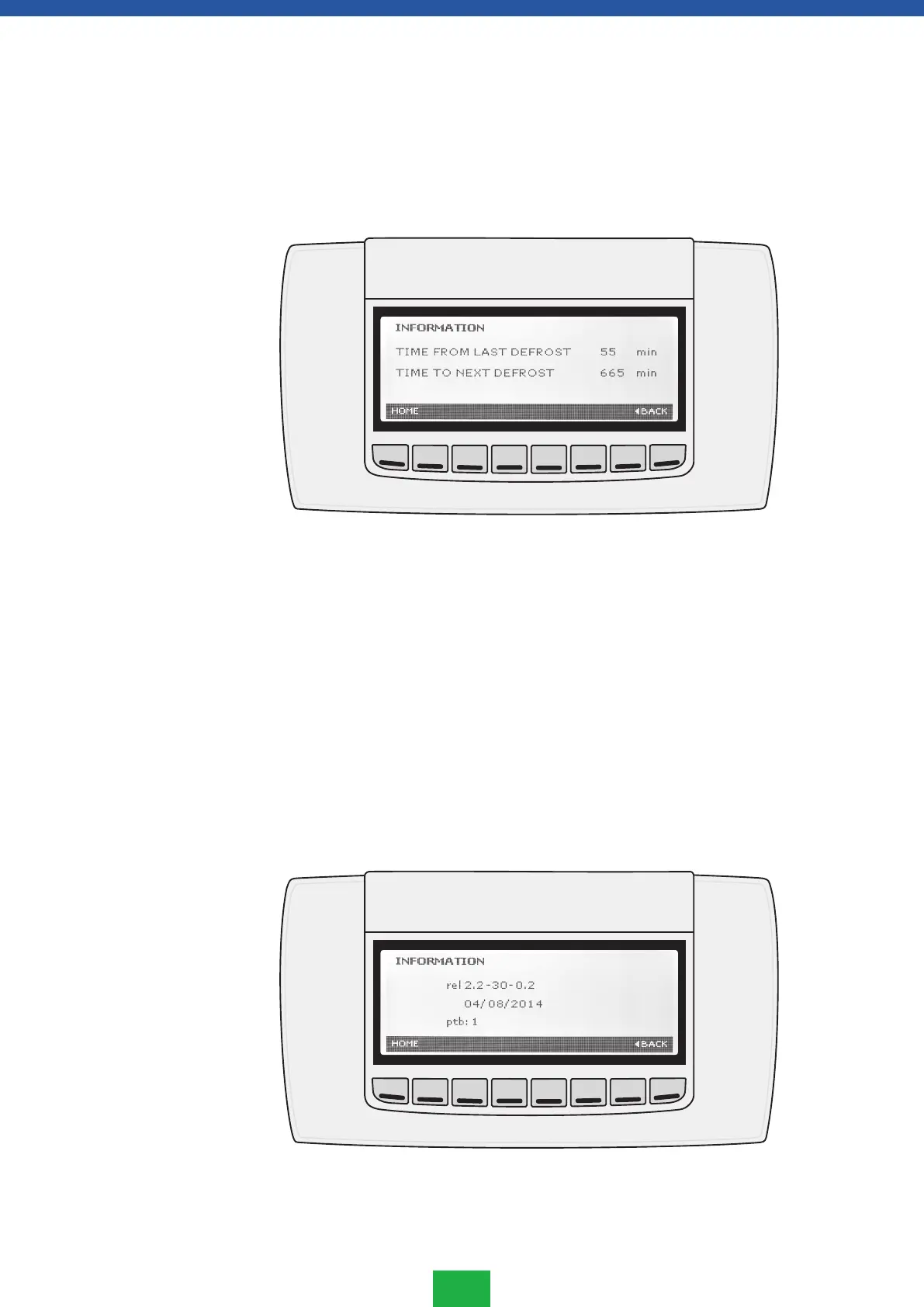
You will see from the DEFROST INFORMATION menu when the previous defrosting has
occurred and when to start the next defrost cycle.
1. Enter the SERVICE menu.
2. Select DEFROST INFORMATION submenu and press ENTER.
3. The information related to the last and the next defrost will be displayed.
4. Exit the menu by pressing HOME or BACK.
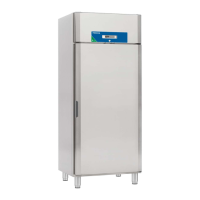
The INFORMATION menu shows the following controller related information:
• Release firmware: XW777K / product family / release EEPROM.
• Release date in the format: dd/mm/yy
• EEPROM release
1. Enter the SERVICE menu.
2. Select INFORMATION submenu and press ENTER.
3. Exit the menu by pressing either the HOME or BACK button.
Defrost information
menu
Information menu



 To Next Page