AudioPilot (with Bose® Sound System)
This patented technology from Bose® is setting
standards in noise compensation for in-car audio
systems. A microphone inside the vehicle contin-
uously monitors the noise level - both music and
all unwanted noises, whether from inside orout-
side, speed-dependent or not. Background noise
isanalysed by a lter and the playback of the music
ispermanently and automatically adjusted in real
time by a compensation algorithm, not only in vol-
ume but also in the dynamics of the entire frequency
spectrum. The music is no longer masked by noise
and the listener enjoys a pure listening experience.
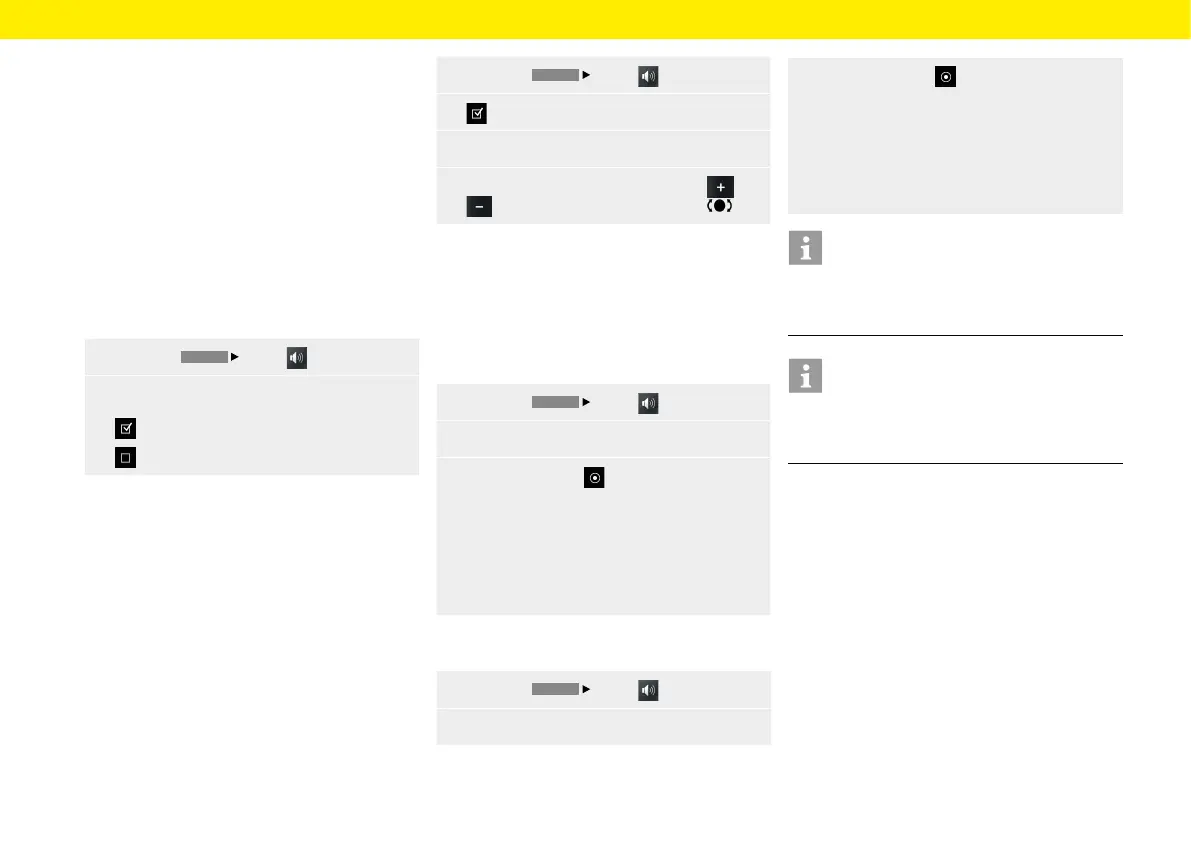
To activate AudioPilot, proceed as follows:
1.
Press the
HOME
Sound button.
2. AudioPilot
AudioPilot is switched-on.
AudioPilot is switched o.
Surround (with Bose® Sound System)
Additional independent audio channels in the front
and rear of the vehicle create a multi-channel sur-
round sound experience. Also for conventional stereo
recordings. That's because Bose® Centerpoint™
signal processing technology converts virtually
any sound source into ve separate audio channels
foratuned and balanced surround sound experience.
Centerpoint™ surround sound technology isopti-
mised for digital media. Therefore, in conjunction
with FM transmitters in poorly served areas, there
may be limitations to the surround functionality due
to inadequate reception.
It is not possible to receive/listen to AM stations
insurround sound. To set Surround, proceed as
follows:
1.
Press the
HOME
Sound button.
2. Switch on Surround.
3.
Select the Set Surround menu option.
4.
Make the setting you want by tapping and
or by turning the right-hand knob .
Listening position (with Bose® Sound System)
To achieve optimum sound, the listening position can
be adjusted to the current sitting position. To adjust
the listening position, proceed as follows (Porsche
911 (Type 997) / Boxster (Type 987) / Cayman
(Type 987)):
1.
Press the
HOME
Sound button.
2. Select the Listening position menu option.
3.
Select option eld
– Le,
– or –
– Symmetric,
– or –
– Right.
To adjust the listening position, proceed as follows
(Porsche Cayenne (Type 9PA)):
1.
Press the
HOME
Sound button.
2. Select the Listening position menu option.
3. Select option eld
– Rear,
– or –
– Symmetric,
– or –
– Right.
Information
AudioPilot, Surround and Listening position settings
are available only in vehicles with Bose® Sound
System.
Information
To adjust the volume of dierent audio sources
separately (navigation or radio for example), select
the Volume menu option in the Set menu.
Sound
26



 To Next Page