Media
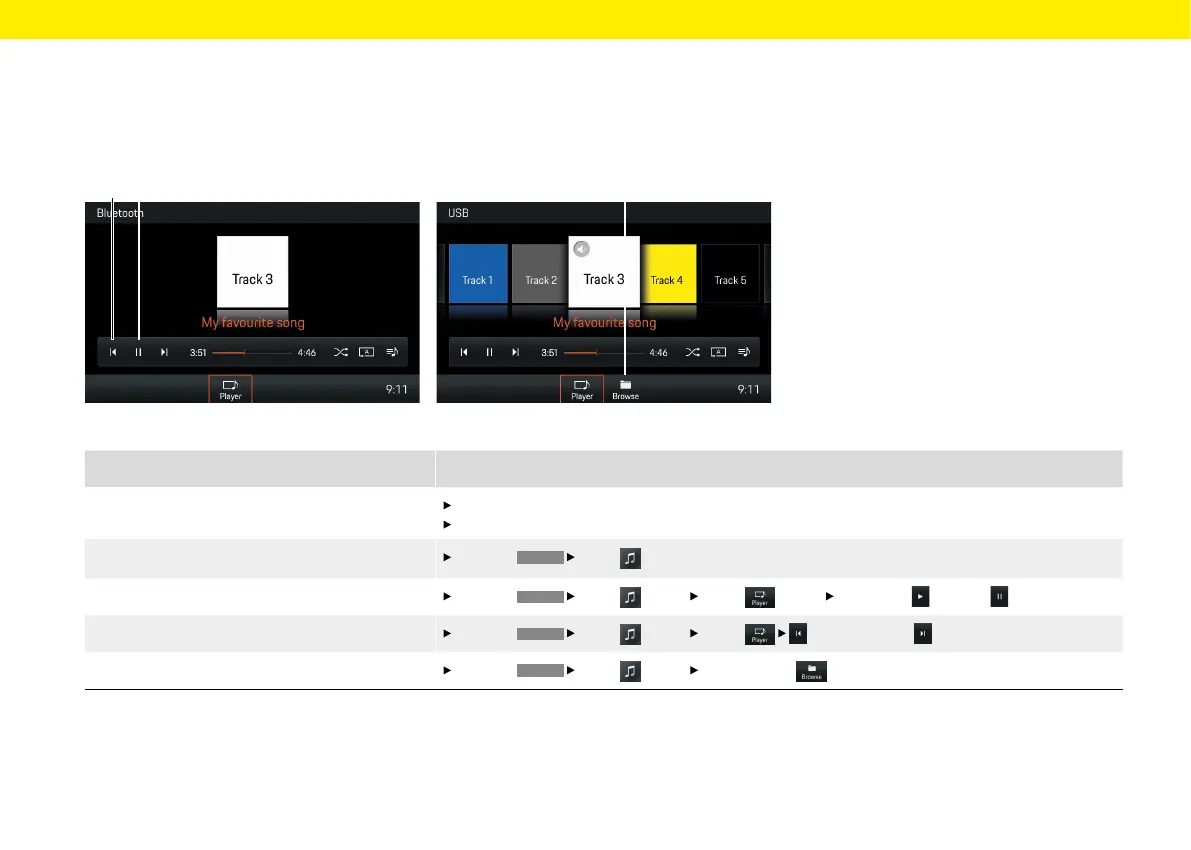
Fig.: Bluetooth® media source
Fig.: USB media source
What do I want to do?
What do I have to do?
Play music les from media sources
Connect USB stick.
Connect external device via Bluetooth®.
Select media source
Press the
HOME
Media
button and select the desired media source.
Play/pause music
Press the
HOME
Media
button Player
(see B) Select Play or Pause button (see B).
Skip forward or back in playback
Press the
HOME
Media
button Player
button or select
(see A).
Browse media library (USB media only)
Press the
HOME
Media button Select Browse
button (see C).
A B
C
Brief overview
This brief overview is no substitute for the complete
descriptions in the "Media" chapter. In particular,
safety and warning notices are not replaced by this
brief overview.
40



 To Next Page