18
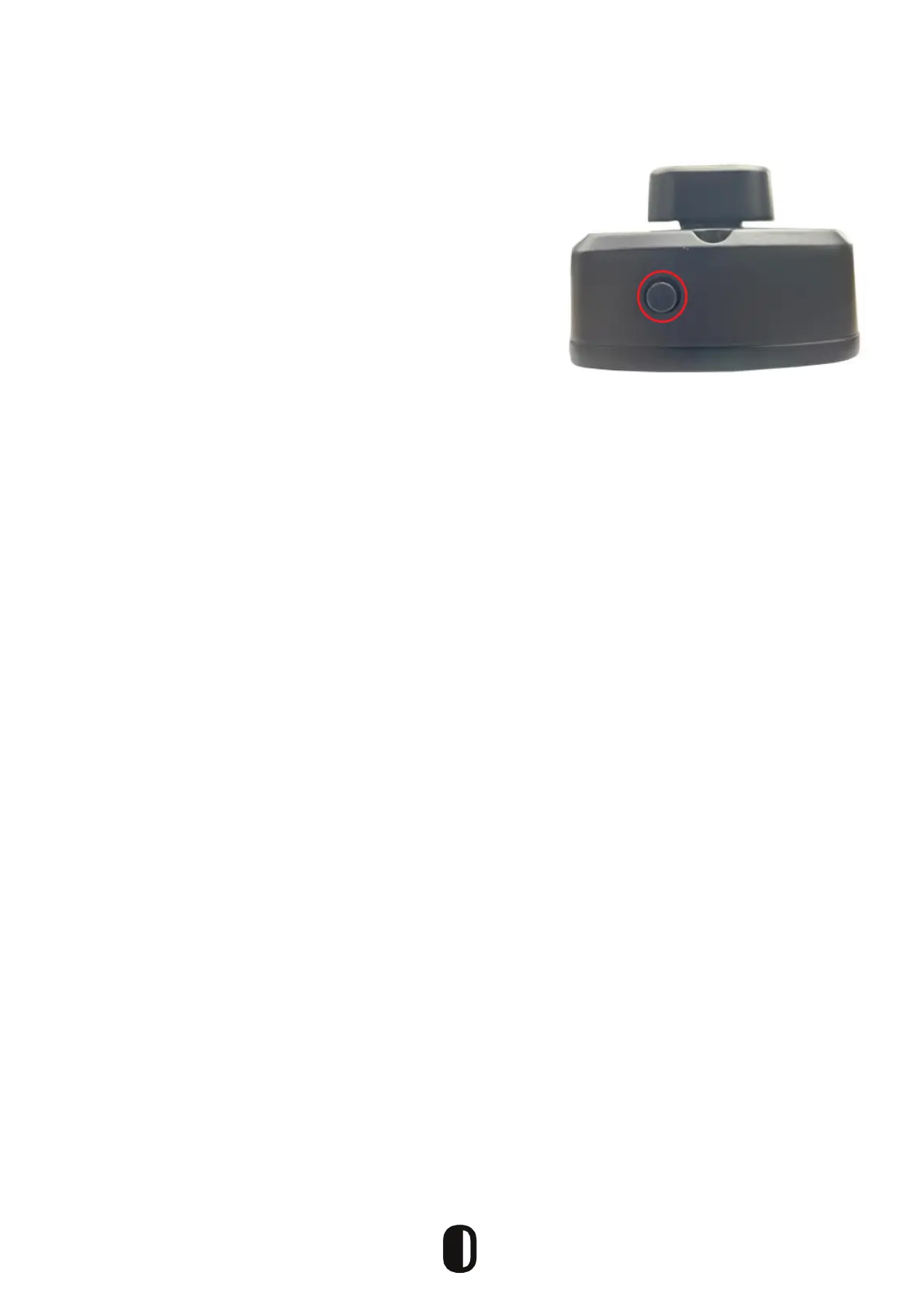
As shown in the image, there is a button on the bottom of
the inside panel. When activated, the door can only be
opened using the Administrator app or a manual key.
To activate the locked mode in the app:
1. Open the app and turn on “Privacy Lock.”
2. The locked mode is activated when the button is in
Red State
Privacy/Child Safety Lock


 To Next Page