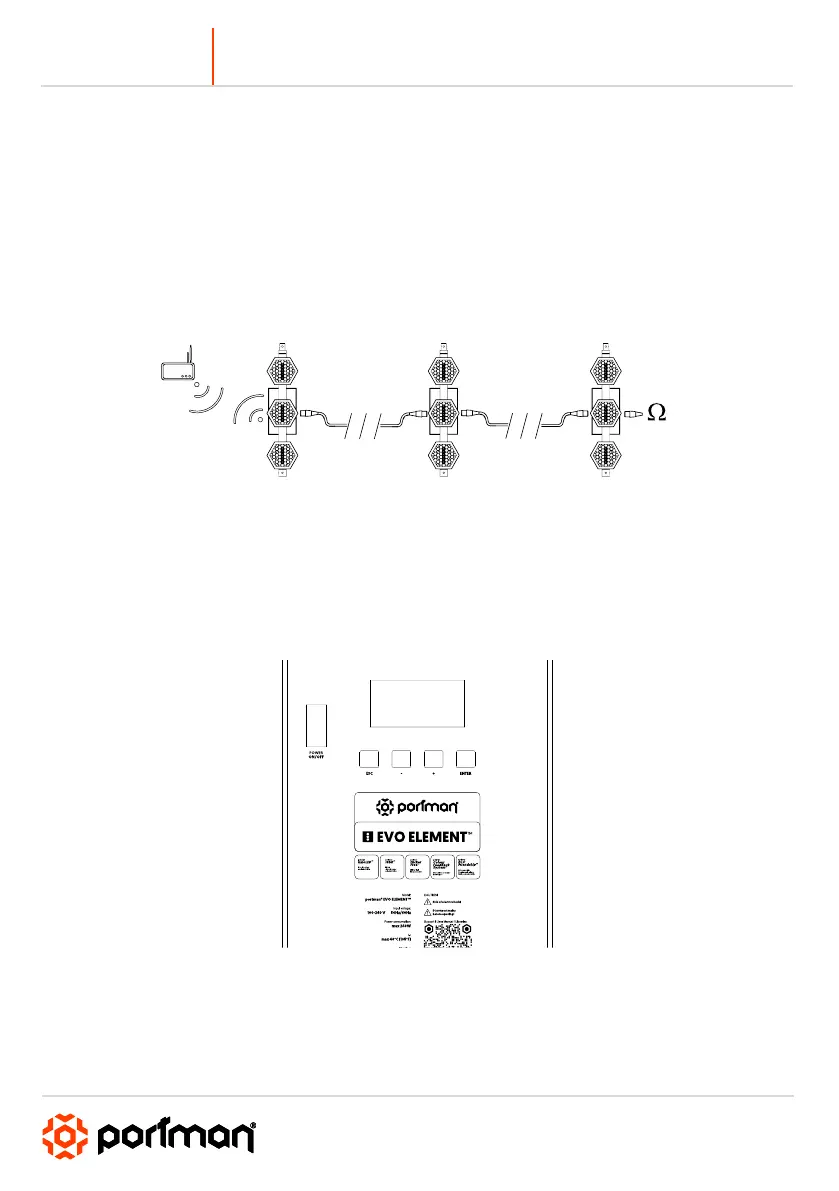
When the fixture is being operated in the wireless mode (only when the WDMX card is installed) it is
receiving DMX 512 signal from Wireless Solution Sweden transmitters and can send the signal throughout
the 5-pin DMX OUT XLR socket. You can put the fixture with the WDMX card installed as the first fixture in
a line and use it as a WDMX receiver. The fixture supports a bi-directional WDMX TRX module. It means,
that the fixture supports RDM in wireless mode too. To link fixture with the WDMX transmitter first use the
“UPAIR ALL WDMX DEVICES” option from the menu, then turn the scanning mode on the transmitter. The
transmitter will link with all unlinked devices. For more detailed information please refer to your
transmitter’s user manual.
◼ MENU
Navigation buttons are located under the LCD on the back panel. To enter the menu press the “Enter”
button. To navigate the menu use the “+” and “-“ buttons. To exit the menu from any level press “ESC”. For
confirming simply push the enter button.
Portman Colour Feedback System (CFS)



 To Next Page