BIOS Setup Information
RUBY-D716VG2AR User’s Manual 4-18
DVMT Total Gfx Mem
Select DVMT 5.0 Total Graphics Memory size used by the Internal Graphics Device.
Choices: 128MB, 256MB, MAX.
Primay Boot display
Choices: VBIOS Default, CRT, DVI, HDMI.
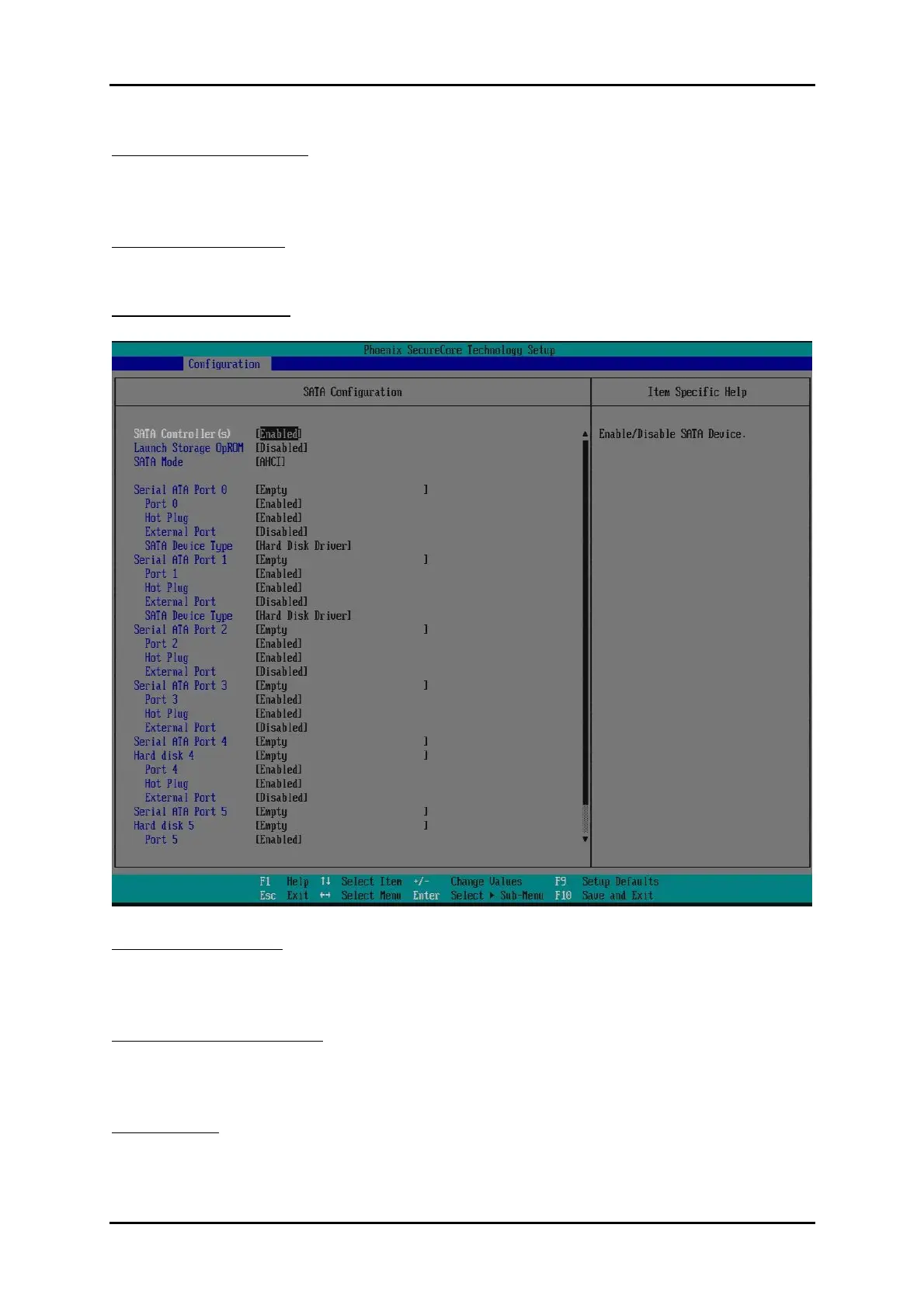
SATA Configuration
Configure SATA controller and view detected HDD Information.
SATA Controller (s)
Determines how SATA controllers (s) operate.
Choices: Disabled, Enabled.
Launch Storage OpROM
Enable or Disable Boot Option for Legacy Mass Storage Devices with Option ROM.
Choices: Enabled, Disabled.
SATA Mode
Determines how SATA controllers (s) operate.
Choices: Disabled, IDE, AHCI, RAID.














 To Next Page