BIOS Setup Information
RUBY-D716VG2AR User’s Manual 4-19
Serial ATA Port 0-5
Display the identity of the device attached.
Choices: Empty.
Port 0-5
Enabled or Disabled SATA Port.
Choices: Disabled, Enabled.
Hot Plug
Designates this port as Hot Pluggable.
Choices: Disabled, Enabled.
External Port
External SATA Support.
Choices: Disabled, Enabled.
SATA Device Type
Select ”Solid State Drive” only if a Solid State Drive is connected to this SATA port.
Choices: Hard Disk Driver, Solid State Driver.
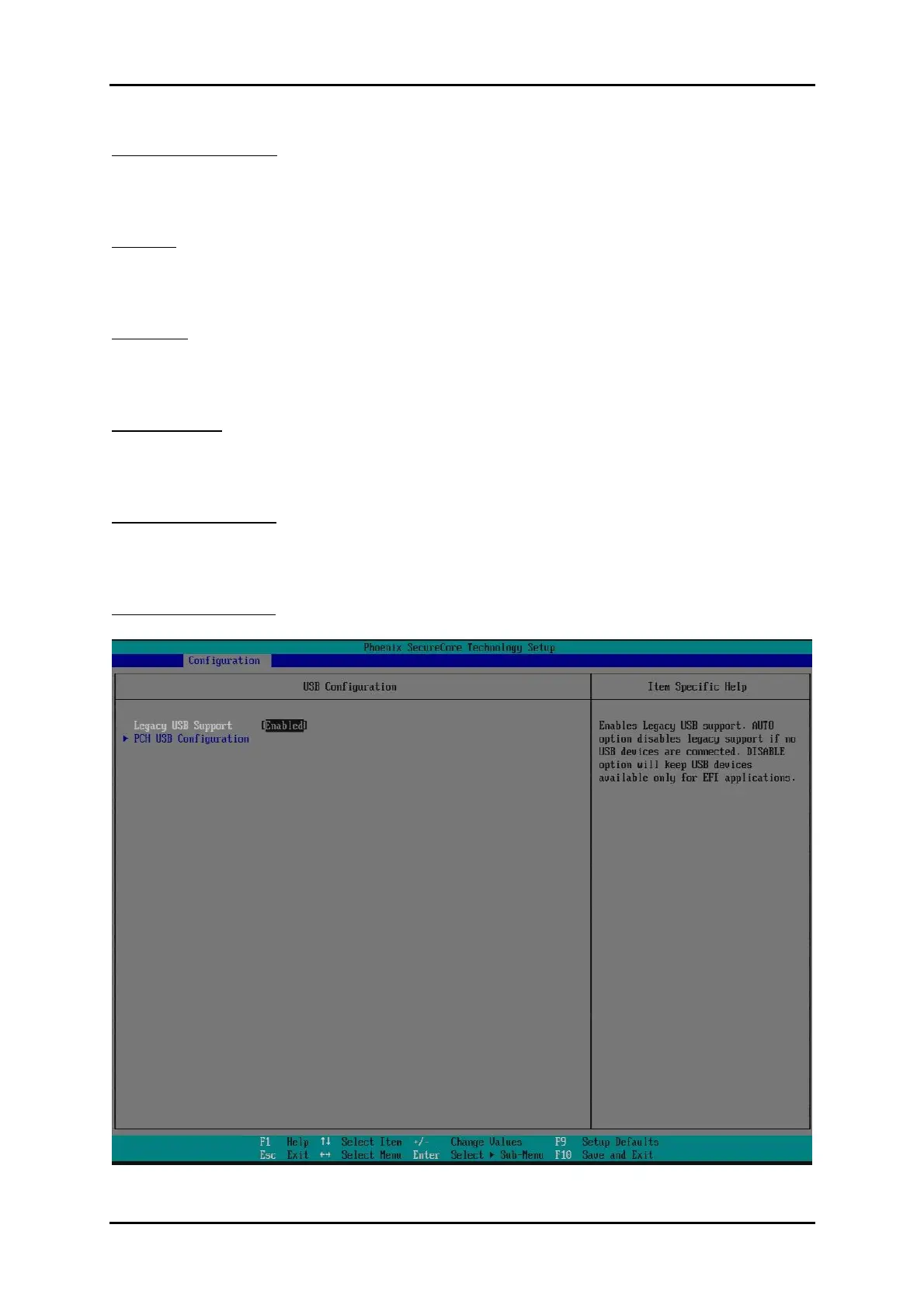
USB Configuration
Configure USB controller and other advanced setting.














 To Next Page