RUBY-D718VG2AR
Copyright © Portwell 2016 RUBY-D718VG2AR User's Guide
Question: How to update the BIOS file of RUBY-D718VG2AR?
Answer:1. Please visit web site of Portwell download center as below hyperlink
http://www.portwell.com.tw/support/download_center.php
Registering an account in advance is a must. (The E-Mail box should be an existing Company email address that you check regularly.)
http://www.portwell.com.tw/member/newmember.php
2. Type in your User name and password and log in the download center.
3. Select “Search download” and type the keyword “RUBY-D718VG2AR”.
4. Find the “BIOS “page and download the ROM file and flash utility.
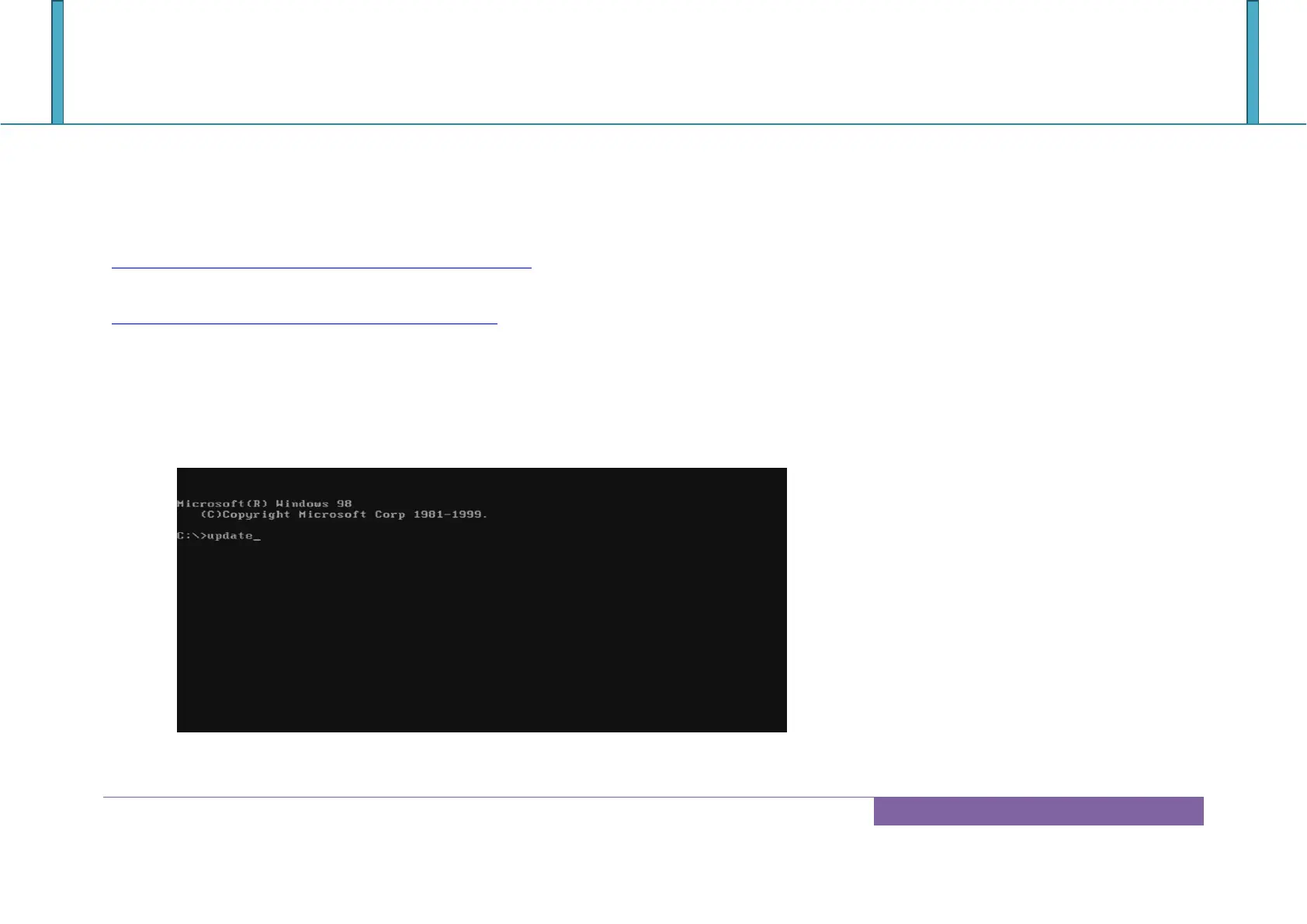
5. Unzip file to bootable USB flash drive which can boot to dos mode. Then execute the “update.bat”. It will start to update BIOS.














 To Next Page