GAM Quick Installation Guide
Positron Access Solutions 26 Document 180-0211-001 R01
IMPORTANT SECURITY NOTE: After a successful initial login, please change the
password to avoid unauthorized access to the GAM device.
About the X.509 Public Key Infrastructure (PKI) Certificate: you may want to
replace the default Positron-signed PKI Certificate used by the WEB GUI
Administration Interface pre-installed by Positron with one from your preferred
Certificate Authority.
Note: Secure HTTP is disabled by default. HTTPS can be enabled via menu:
Configuration>Security>Switch>HTTPS
3.2.2 System
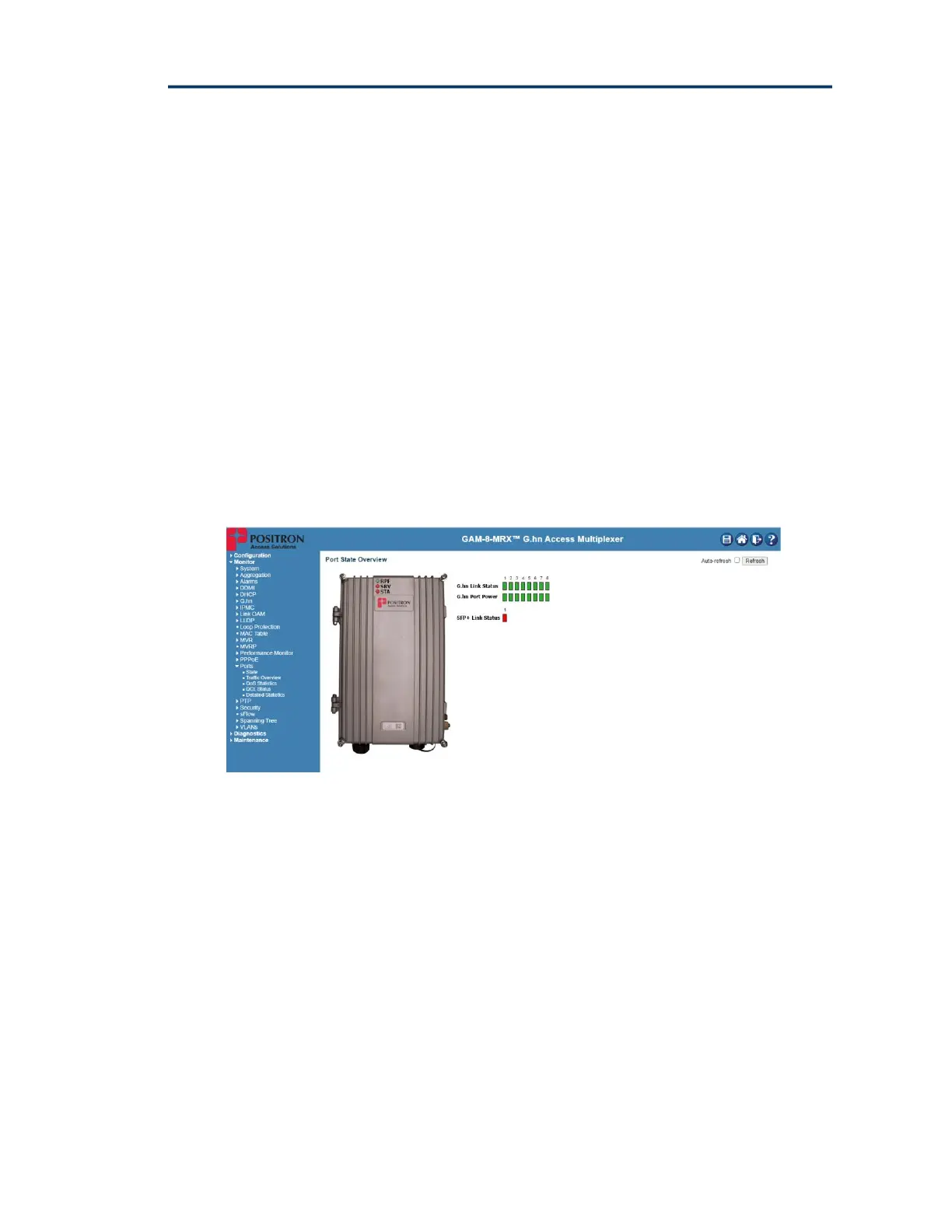
The System monitor page provides a front panel representation of the GAM device.
The front panel is specific to the version of the GAM device. The sample
screenshot below is for the GAM-8-MRX.
Figure 11: GAM Port Status page (default page after login)
3.2.3 General Information
For complete detail on web management, please refer to the GAM User’s Guide.



 To Next Page