38
READY and RIBBON Lamps blink simultaneously
Possible Cause Recommend Solutions Remarks
Run out of ribbon Load a roll ribbon
Ribbon jam Clear the jam
Ribbon Sensor
error
Service Ribbon Sensor To be serviced only
by qualified
personnel
Only READY Lamp blinks
Possible Cause Recommend Solutions Remarks
Serial I/O error Check DIP switches for
the band rate settings
Memory overflow a. Restart the printer
b. Perform Reset
Miscellaneous
Vertical blank lines
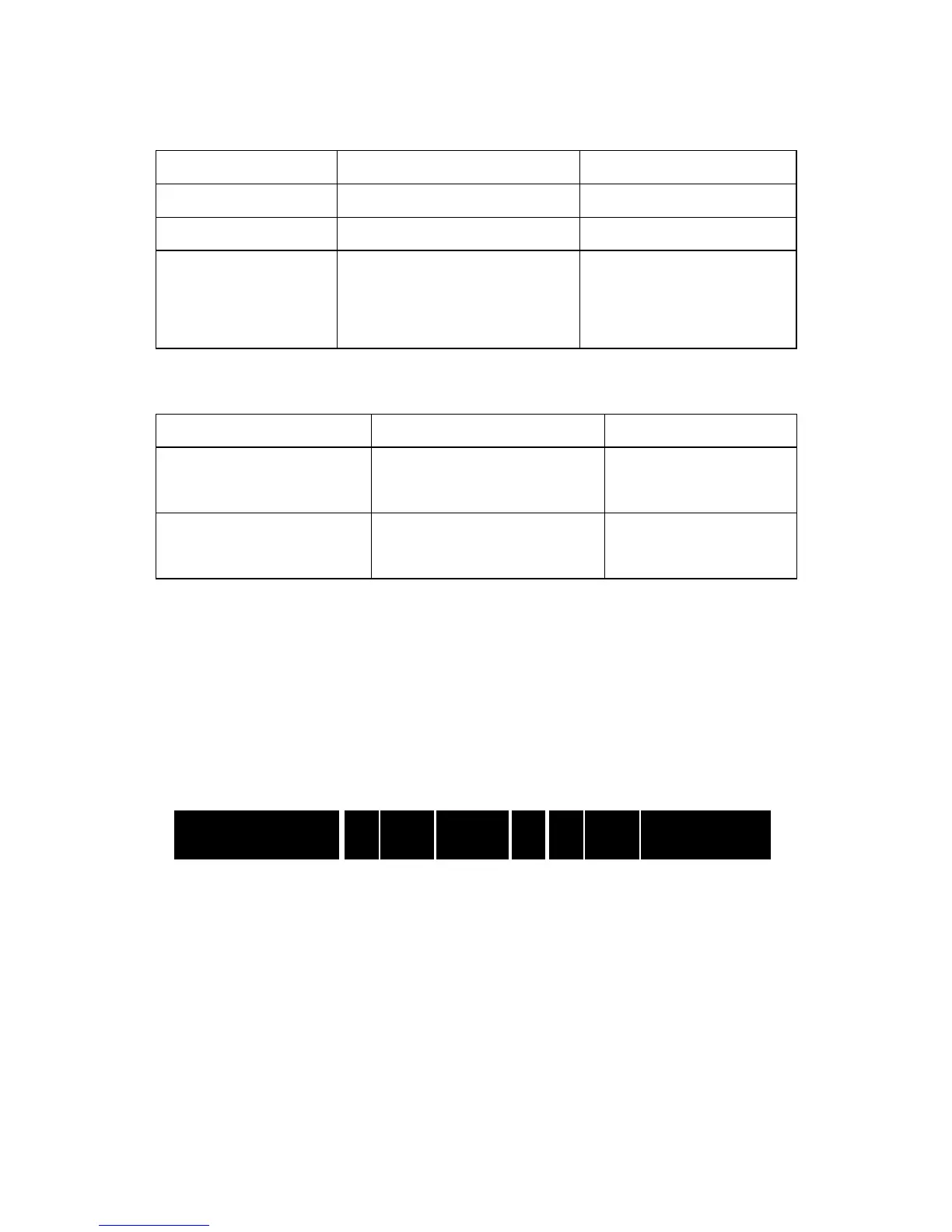
Continuous vertical blank lines in printout indicate a dirty or faulty
printhead as shown below:
If the problem cannot be solved by cleaning the printhead, replace the
printhead.
The host shows ‘Printer Timeout’
1. Check if the interface cable is connected.
2. Check if the printer is turned on.
If the situation remains unsolved, please contact your reseller or our


 To Next Page