30
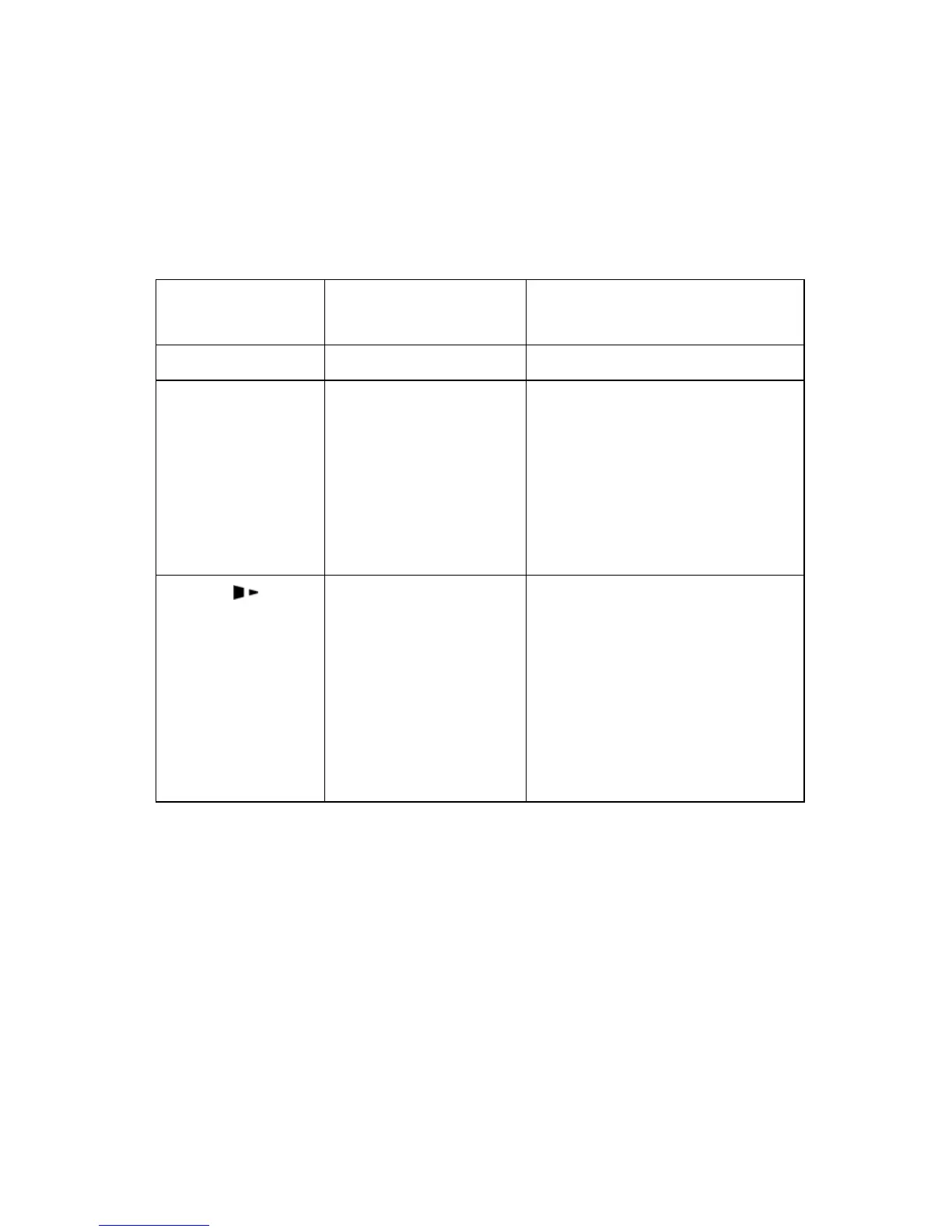
Buttons
The three buttons have different functions based on the mode of the
operation is performed.
Mode Basic Functions
Advanced Functions
(see Advanced Functions below)
Feed/Calibration Feed one label Media Sensor Calibration
Pause/Self Test - Press once to
pause current
print job
- Press a second
time to resume
printing
Self-test:
The Printer performs a
self-test and prints out a
configuration report
Cancel/ Reset - Cancel current
batch of labels
- Forces the printer
to continue
working after an
error has been
corrected
Reset:
Resets the printer to
Factory Default Settings
Advanced Functions
Media Sensor Calibration
It is necessary to accomplish Media Sensor Calibration after a new roll
of media has been loaded.
1. Press and hold the Feed/Calibration button for about 4 seconds.
2. The printer will feed approximately 200mm of media;


 To Next Page