EasyManua.ls Logo

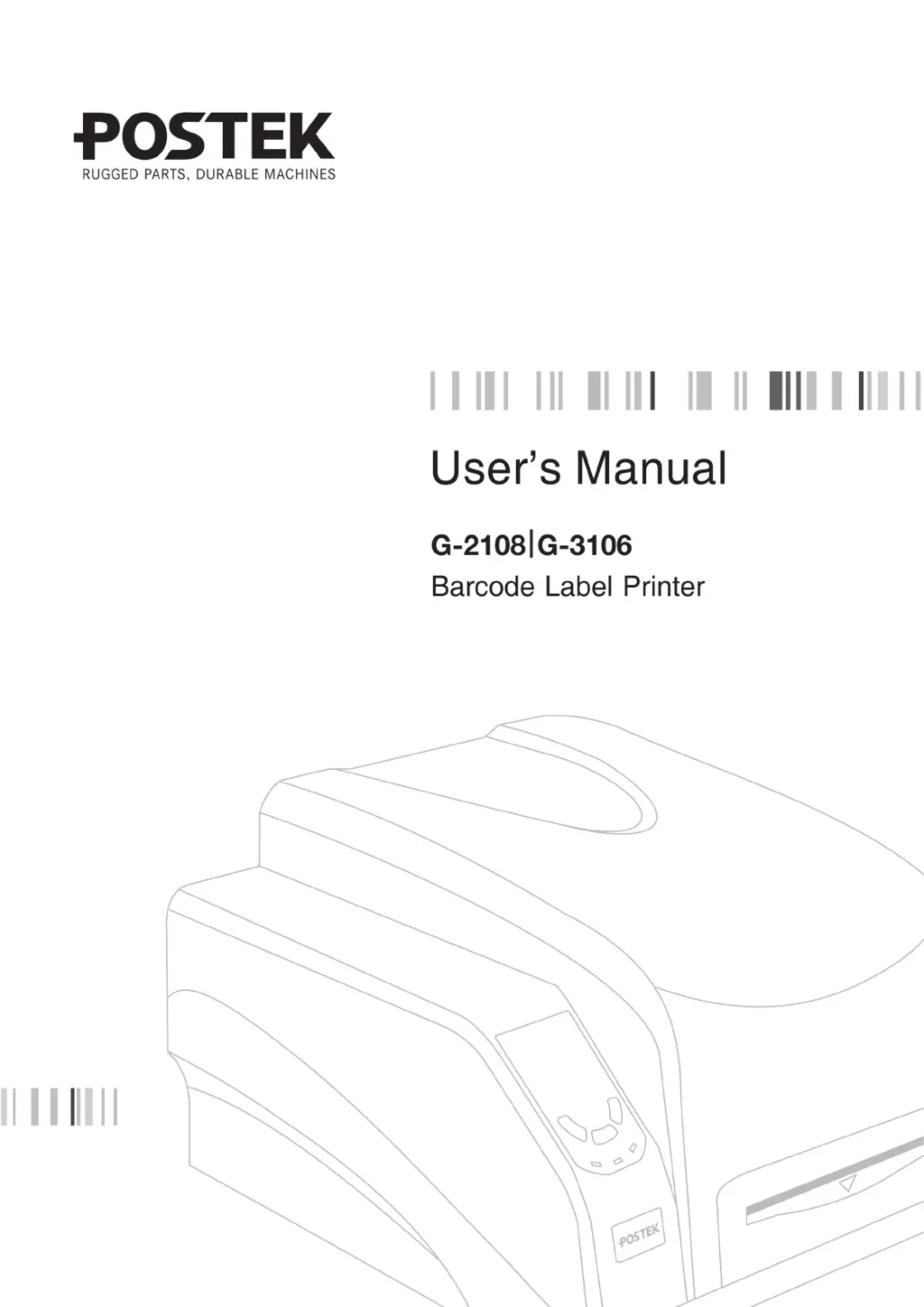
Postek G-3106 - User Manual

Default Icon
39 pages
Print Icon
To Next Page IconTo Next Page
Loading...

Questions and Answers

  • B
    Brian FischerSep 8, 2025
    Why is my Postek Label Maker not printing even though data is being sent?
    • E
      epowellSep 8, 2025
      If your Postek Label Maker is sending data but not printing, there could be two possible causes: * The incorrect driver is selected. Make sure that the correct driver is chosen in the label software. * There is a memory overflow. Try resetting the printer.
  • S
    smcdanielSep 7, 2025
    Why are the READY and MEDIA indicators blinking on my Postek Label Maker?
    • D
      David BrownSep 7, 2025
      If the [READY] and [MEDIA] indicators on your Postek Label Maker are blinking simultaneously, it could be due to several reasons: * The media sensor may not be detecting the media. Ensure the media is loaded correctly and the sensor can detect the gap, hole, notch, or black mark. * The media may have run out. Try loading a new roll. * There might be a media jam. Clear any obstructions. * The media roll guides might not be installed correctly or pushed firmly against the media. Ensure they are properly installed and snug. * The media sensor could be dirty. Clean the sensor. * In rare cases, the media sensor might be malfunctioning, and you should contact technical support.
  • A
    Alexander CollinsAug 22, 2025
    Why does my Postek Label Maker print vertical blank lines?
    • K
      Katherine MillerAug 22, 2025
      Vertical blank lines may appear because the printhead is dirty. Clean the printhead, following the recommended maintenance guidelines.
  • M
    Mr. Dylan KingSep 4, 2025
    What to do if my Postek Label Maker is sending data but not printing?
    • D
      David ThompsonSep 4, 2025
      If data is being sent but the printer isn't printing, ensure the correct driver is chosen in the label software and reset the printer.
  • M
    Manuel JamesSep 3, 2025
    What to do if my Postek Label Maker has a printer timeout error?
    • R
      Renee MurraySep 3, 2025
      To resolve a printer timeout error, check the interface cable for a proper connection and ensure the printer is powered on.
  • E
    Eric RichardsonSep 1, 2025
    What to do if READY and RIBBON LEDs blink simultaneously on my Postek Label Maker?
    • A
      Amanda MannSep 2, 2025
      If the READY and RIBBON LEDs are blinking together, it could mean that the ribbon has run out, so load a new roll of ribbon. Alternatively, there might be a ribbon jam, so clear the jam.
  • B
    Briana MosleyAug 31, 2025
    What to do if READY and MEDIA LEDs blink simultaneously on my Postek Label Maker?
    • N
      Nicole IbarraAug 31, 2025
      If the READY and MEDIA LEDs are blinking together, it could be due to several reasons: * The media sensor may not be detecting the labels. Ensure the media is loaded correctly, the media sensor is positioned correctly to detect the gap or black line, and calibrate the media sensor. If using continuous media, verify the correct Media Type settings are selected in the label software. * The media roll guides may not be firmly positioned against the media or have not been installed. Install the Media Roll Guides correctly and press them firmly against the media. * The media may have run out, so load a new roll of media. * There may be a media jam, so clear the jam.
  • L
    Logan WatkinsAug 30, 2025
    Why is only the READY indicator blinking on my Postek G-3106?
    • E
      Edward WoodsAug 30, 2025
      If only the READY indicator is blinking on your Postek Label Maker, the printer is likely in a paused state. Press the [PAUSE/Self Test] button to resume printing.
  • W
    William WilsonAug 29, 2025
    Why are there vertical blank lines appearing when printing with my Postek Label Maker?
    • K
      Kristina LozanoAug 29, 2025
      If vertical blank lines are appearing on your prints from the Postek Label Maker, the printhead is likely dirty. Clean the printhead following the recommended maintenance guidelines.
  • P
    Pam RodriguezAug 27, 2025
    What to do if Postek G-3106 is not printing after sending data?
    • M
      Monica WillisAug 28, 2025
      If you're sending data to your Postek Label Maker, but it's not printing, there are a couple of things to check. First, make sure you've chosen the correct driver in the label software. If that's not the issue, the printer's memory might be overflowing, so try resetting the printer.

Postek G-3106 Specifications

General IconGeneral
BrandPostek
ModelG-3106
CategoryLabel Maker
LanguageEnglish

Related product manuals