PRK-6000 Operation Manual
- 11 -
(4) Measurement
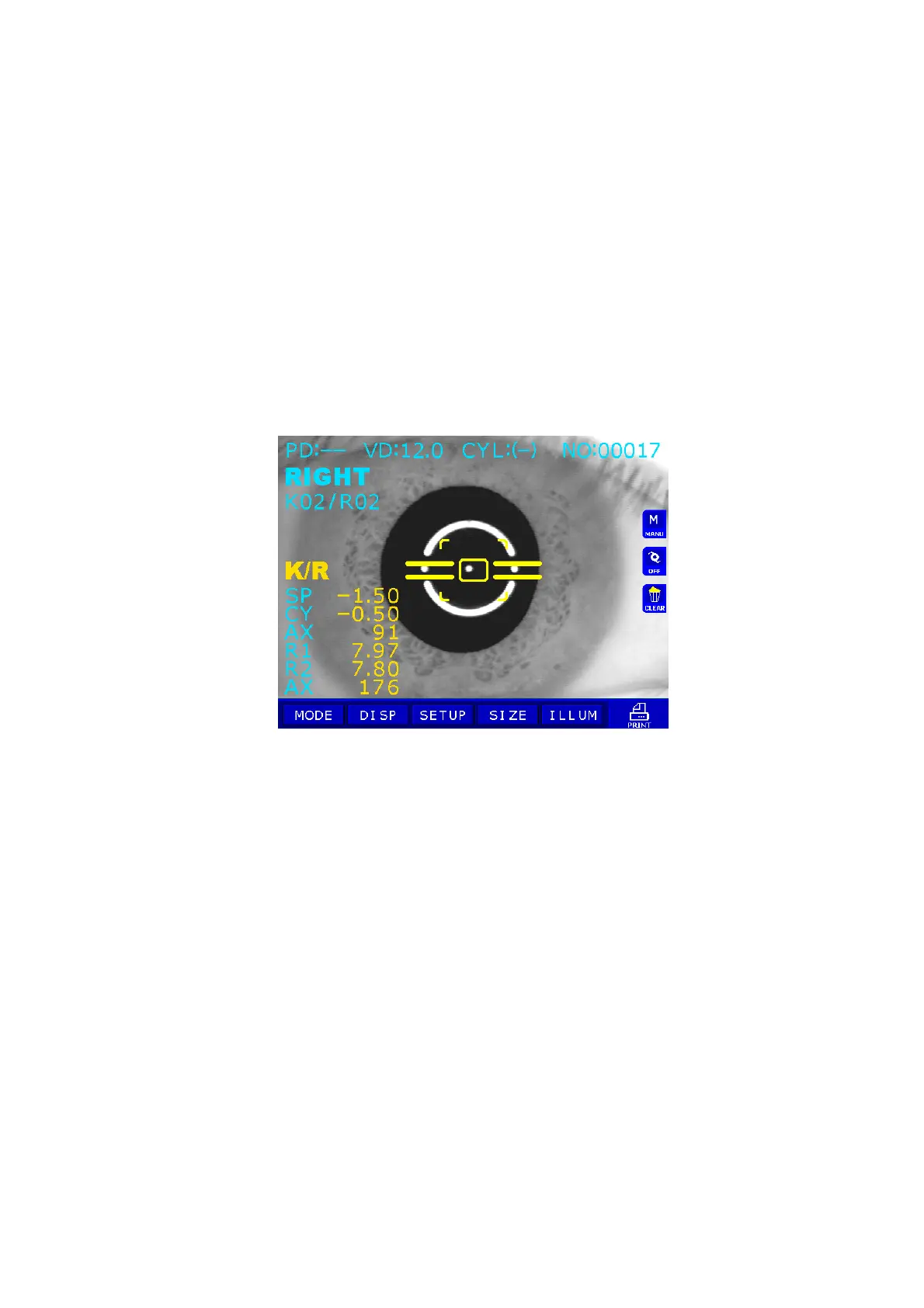
Press the Measurement button.
Measurement will be continuously performed when the Measurement button is kept
pressed.
z The newest measured results will be displayed on the monitor.
z In case of the continuous measurement, the result of previous measurement will be
displayed.
z If you change setting at PAGE1 of SETUP Mode, you can select the vertex distance.
z If you change setting at PAGE1 of SETUP Mode, you can change display format of
CYL value.
z When measured results are displayed, changing at PAGE1 of SETUP Mode
renders each cornea measured result of R1/R2/AX Æ K1/K2/AX Æ AR/CY/AX
displayed in turn.
NOTES:
① There can be error if the Outer Alignment Mark and the pupil is eccentric.
② There may be some aberration to the measurement value due to the
eccentricity or inclination of lens, or deformation of cornea after surgery.
③ Reliability of the measurement with IOL switch turned ON may be low.



 To Next Page