PRK-6000 Operation Manual
- 16 -
5.3 Keratometry [KER Mode]
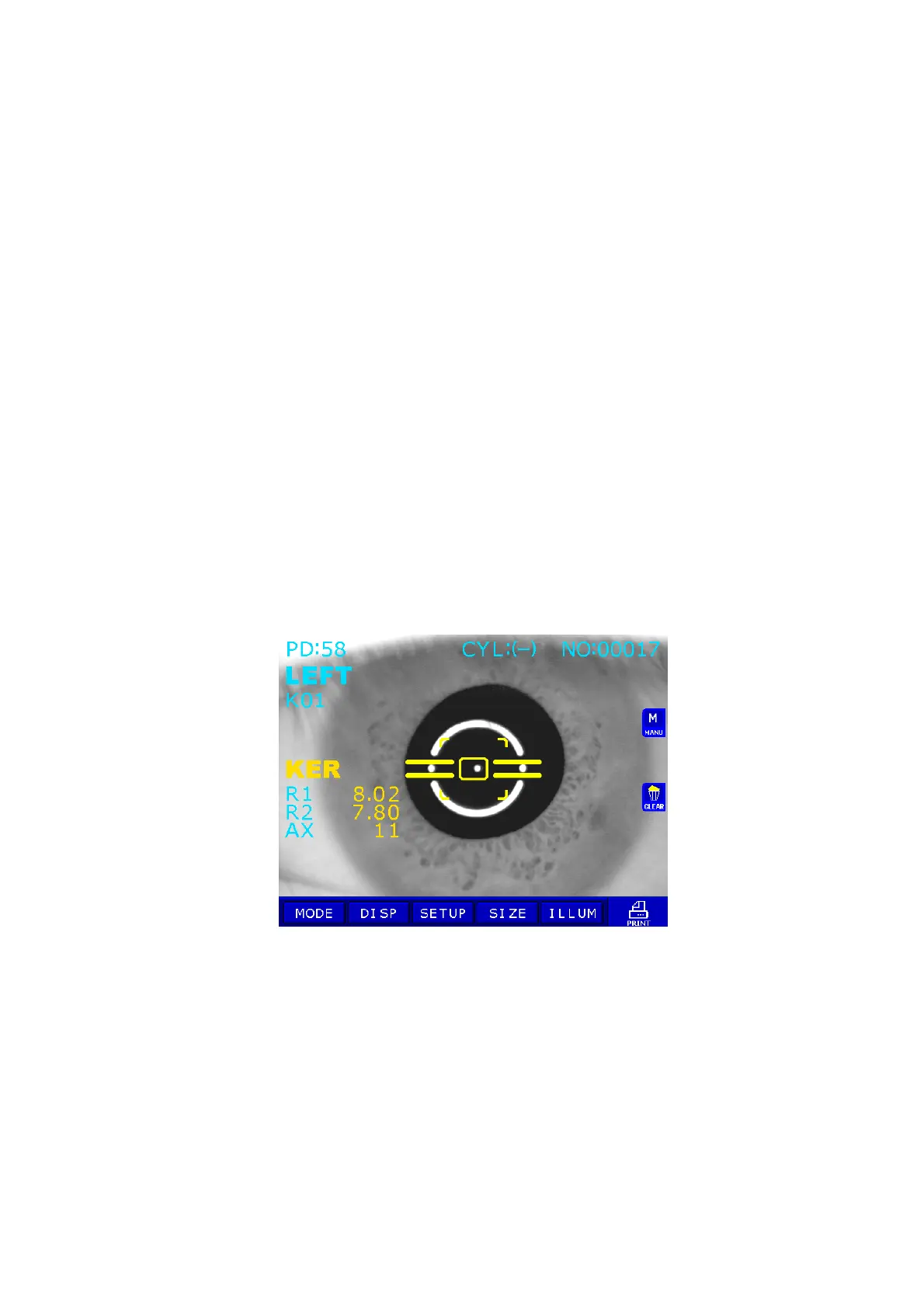
Only the radius of curvature of the cornea can be measured in KER Mode.
NOTES: Don’t measure the base curve of contact lens in this mode.
Measurement error will occur when it is measured in KER mode.
(1) Enter KER Mode.
Press MODE button Ä Press KER MODE button.
(2) Follow the same procedure (2) and (3) of the Continuous Keratometry and
Refractometry [K/R Mode].
(3) Measurement
Press the Measurement button.
Measurement will be continuously performed when the Measurement button is kept
pressed.
z The measured results will be displayed on the monitor.
z In case of the continuous measurement, previous measured result will be displayed.
z When measured results are displayed, changing at PAGE1 of SETUP Mode
renders each cornea measured result of R1/R2/AX Æ K1/K2/AX Æ AR/CY/AX
displayed in turn.



 To Next Page