PRK-6000 Operation Manual
- 29 -
6.4 SETUP Mode
Change all the settings about measurements, printouts etc.
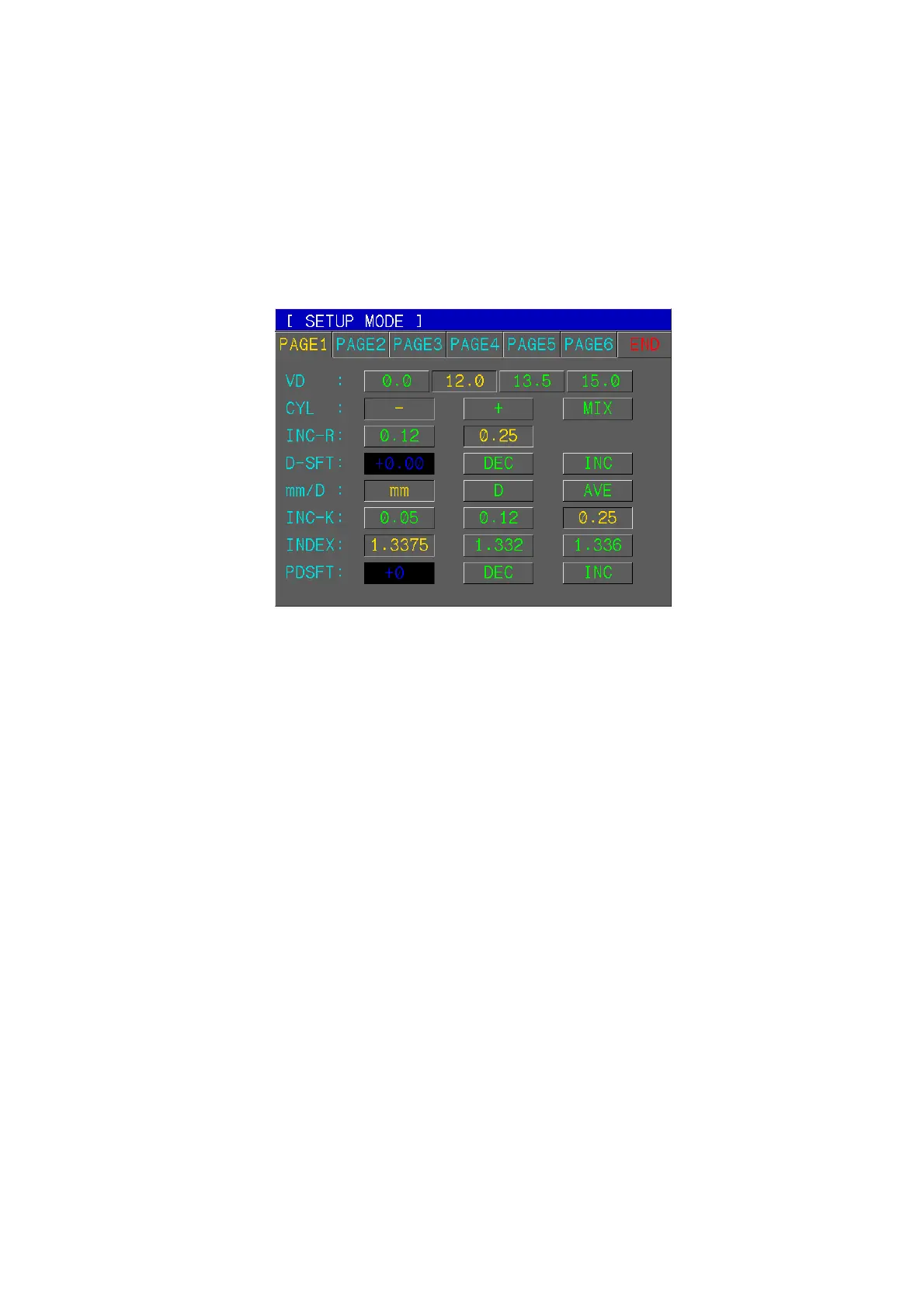
Press SETUP button in Measurement Mode. PAGE1 of SETUP Mode will be displayed.
Press END button in order to return to Measurement Mode.
(1) Refractometry / Keratometry
[How to Change the Page]
Press one of six tab buttons on the upper side of display.
[How to Change the Item]
Pressing any button on display yields the selection of related item.
[How to Change the Contents]
Press any un-pressed button on display. The selected button will be displayed in
pressed button and the content will be changed.
NOTE: There are some contents to be changed in the other way. And such
procedures will be instructed under the description of each item.
[How to Enter the Measurement Mode]
Press END button to quit the SETUP mode and enter the Measurement mode.
[Items]
VD Vertex distance
CYL Cylinder form
INC-R Increment of sphere and cylinder
D-SFT Diopter Shift of Sphere
Press INC or DEC button to change the value of sphere by 0.12.
mm/D Form of displaying result of keratometry
mm R1 ·················· Radius of curvature on minimum meridian
R2 ·················· Radius of curvature on maximum meridian
AX ·················· Axis on maximum meridian



 To Next Page