PRK-6000 Operation Manual
- 13 -
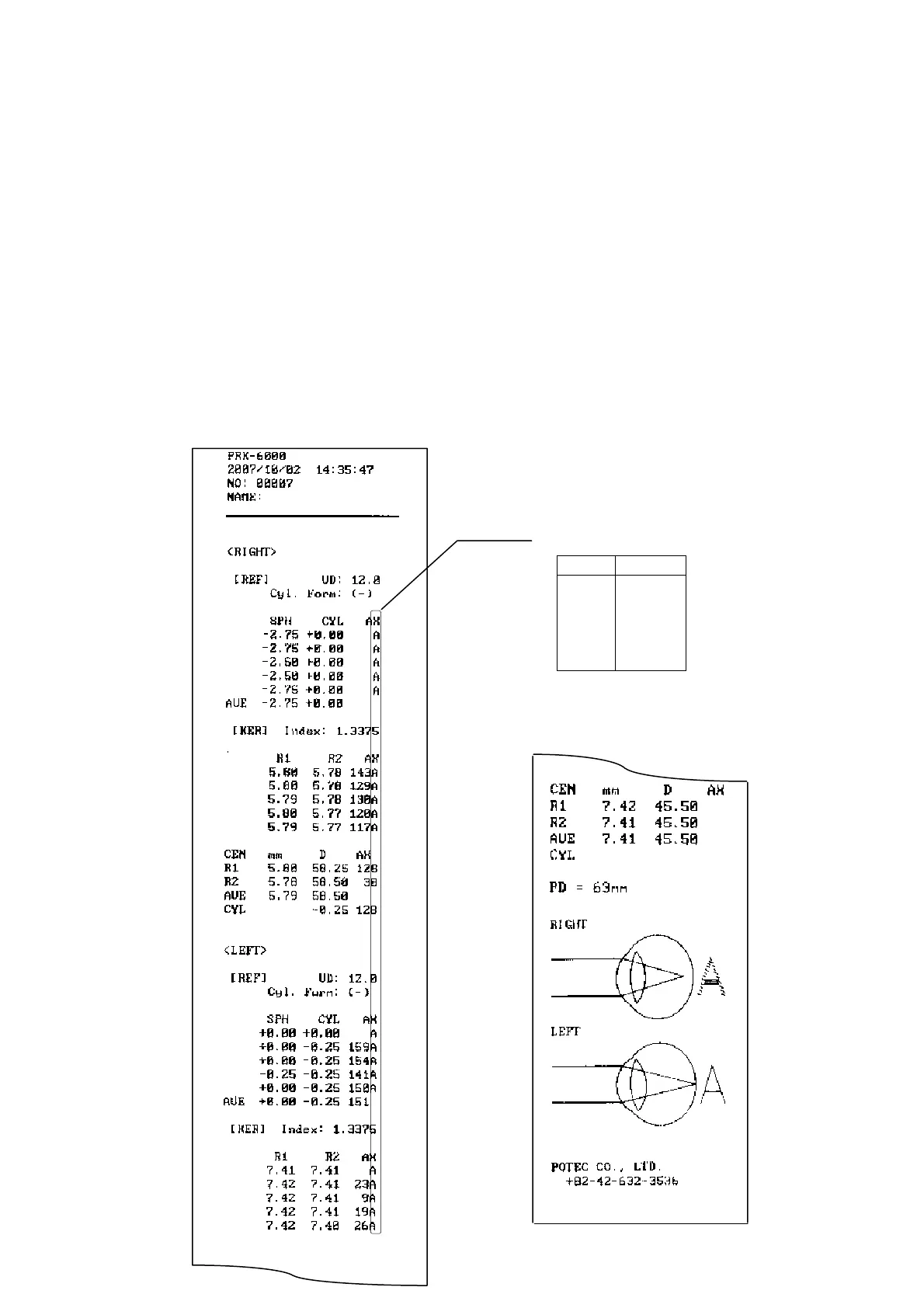
(7) Print
Press the Print button.
The selected data in the SETUP mode will be printed.(See 6.4 (3) Print Format,
Communication)
Lift the printing paper from one side and give it a sharp tug to tear it off after printing is
completed.
Fill the name of the examinee in the NAME box if necessary.
NOTES:
① Results will be erased after printing/transfer is performed.
② It is recommended that a hard copy of the printouts be made if you wish to
store it for a long time, because printouts on the thermal paper are apt to
deteriorate.
< example of printout >
Confidence of Result
Level Quality
A (High)
B
↕
C
D
E (Low)



 To Next Page